
Entry pass & personal QR
One QR per guest, for every door and counter.
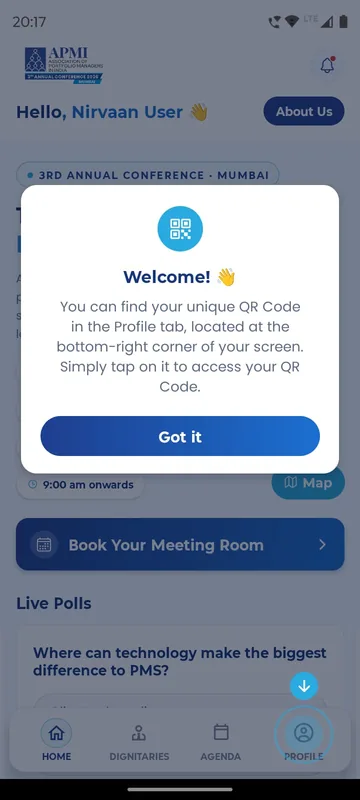
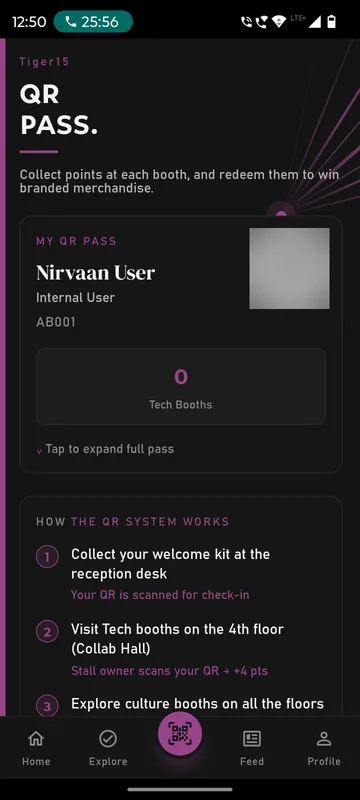
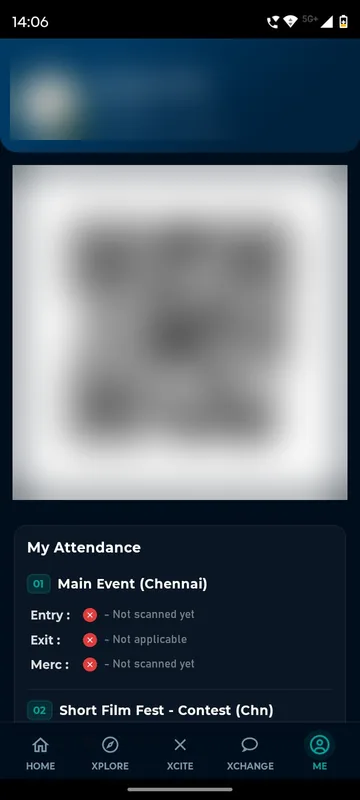
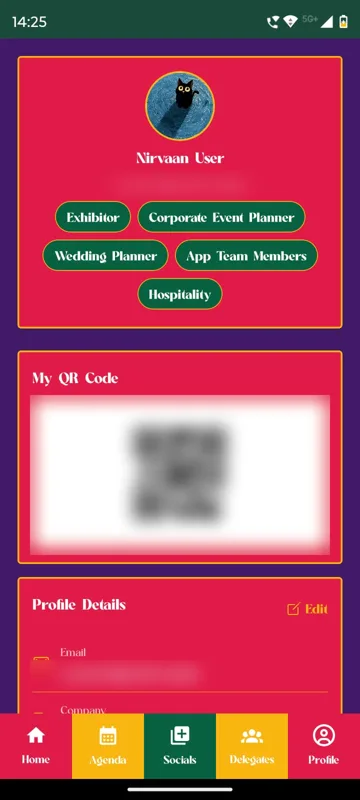
Each guest has a personal QR in the app, shown as an entry pass, a networking card or a QR pass. The same code works at the gate, at sessions, at exhibitor stalls and at the reward counter, because it always points to the same person. Staff scan it from the organiser tools on their phone.
One code, many uses
Entry, attendance, stall visits and redemptions all read the same personal QR.
Scanned by your staff’s phones
No scanners to rent. Managers scan from the app and see the guest’s details.
Pass only for valid guests
Show the pass only when a ticket or approved registration exists.
How it works
How it works
Guest signs in
The pass appears on Home or Profile, ready to zoom at the gate.
Staff scan
The scan shows name, contact, designation and city, then Scan again or Go back.
Counts add up
Each scan is recorded with the time and the scanner for entry counts and reports.
QR entry with rules
One personal QR, checked against your rules at every gate.
Guest app
Guest shows their QR
The same code works at entry, the gala dinner and the return bus.
Manager’s phone
Scan at the gate
Organisers scan or add manually. Time and scanner are recorded.
Rules
Checked in a blink
Time window, group, ticket, step order and repeat-scan limit.
Result
In, with points
Accepted scans can award points. Declines show the reason.
Fits these occasions
Where it earns its place
Works with
Pairs well with
Included in
Event & Hospitality
Everything your guests need, and nothing your team has to chase.
FAQ
Common questions
What if a scan says the code is invalid?
The guest reopens the QR from Profile and staff scan again. A code from another occasion is rejected.
Do you print badges?
No. Sociana provides the in-app pass, organiser scanning and self check-in. Badge printing and kiosks are arranged separately.
Can we export QR codes for printing?
Yes. Personal QR codes can be exported as a ZIP for your badge printer, or sent to guests in a WhatsApp campaign.
Is the QR the same at every counter?
Yes. One identity sits behind the entry pass, contact card, stall scan, reward pick-up and activity check-in.
Plan your entry and counters.
Tell us where guests need to be scanned. We will show you the pass and the staff scanner in a demo app.