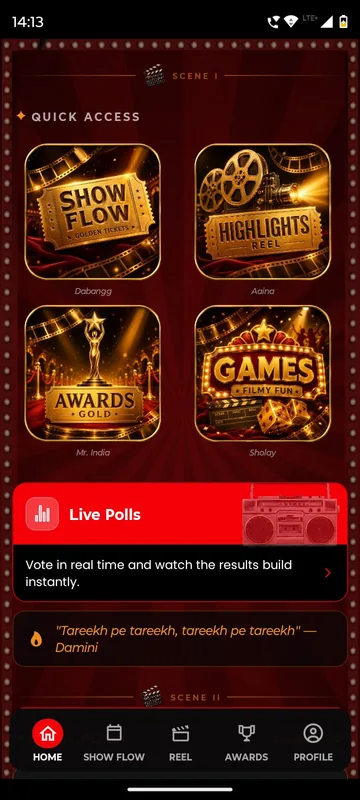
Your branded app
Your name, colours and artwork on iOS and Android, with home tiles, banners, a countdown and a welcome video.

Product
One platform powers your branded app, the admin panel your team works in, web pages anyone can open from a QR code, and the screens in the hall. Switch on what your event needs; leave the rest off.
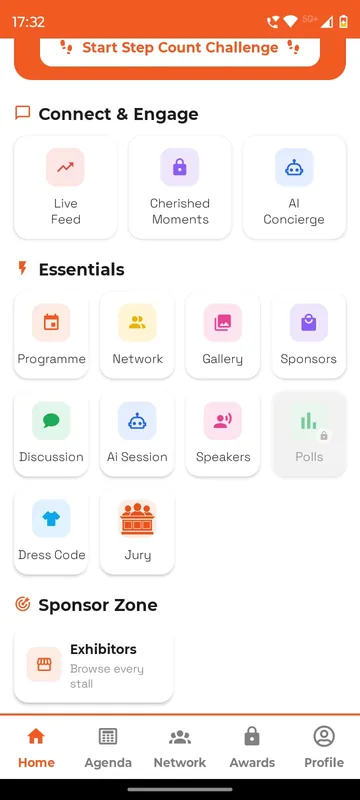
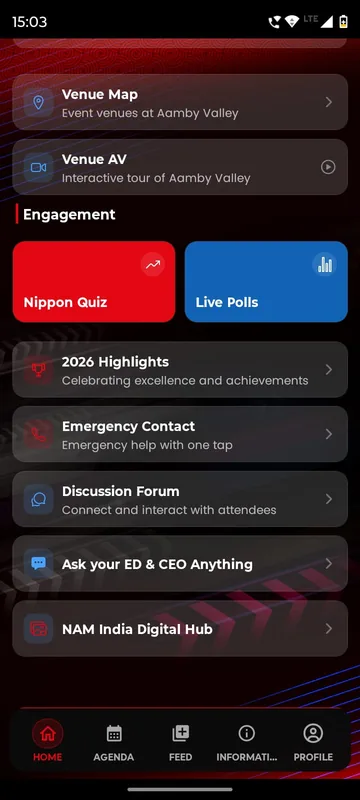
How it fits together
Everything is set up once and stays in sync: a change in the admin panel reaches every phone, web page and screen within seconds.
 The Sociana platform
For guests
iOS and Android, in your name and colours. Agenda, travel, polls, games, photos and their own QR.
For your team
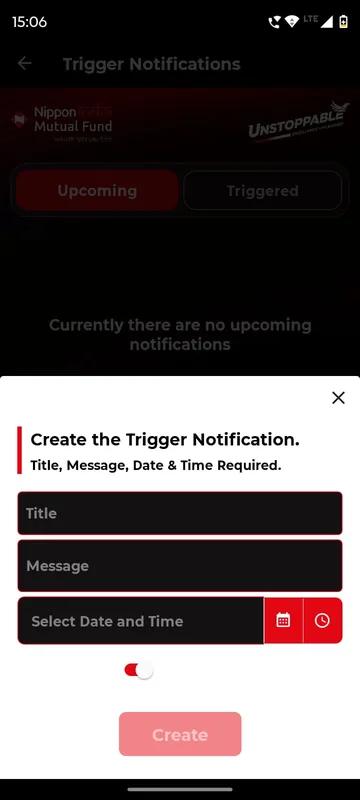
Set up groups, content and rules, send announcements, approve posts and download every report.
For anyone with a link
Ticket checkout, polls and voting from a QR code, public leaderboards and shareable posts, with no download.
For the hall
Live poll results, word clouds, leaderboards and the social wall on the LED screen.
One answer, four surfaces
Every surface reads the same occasion, so one answer shows up everywhere it should, within seconds.
Guest app
A vote, a post, a check-in or a travel form, in your branded app.
Sociana platform
Stored against the occasion, the person and their group, with the rules you set.
Admin panel
Live totals, approvals and exports. Managers can act from their phones too.
Venue screen
Results, word clouds and leaderboards redraw on the LED wall.
Features
Every package includes the core. Add hospitality, rewards, tickets or Smart Lens when your event calls for them.
Your name, colours and artwork on iOS and Android, with home tiles, banners, a countdown and a welcome video.
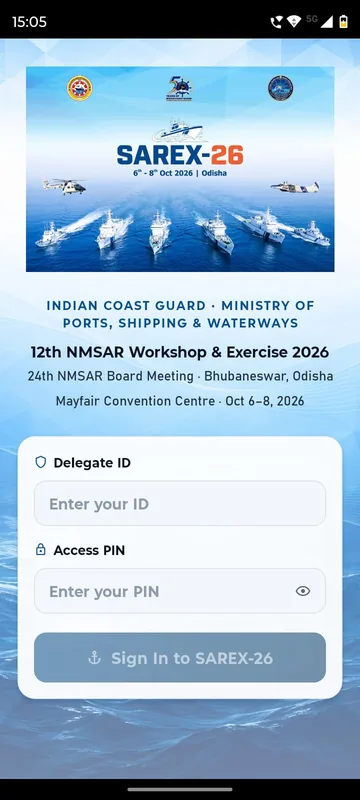
Guests sign in the way your list already works: phone or WhatsApp OTP, delegate ID and PIN, employee code or an event code.
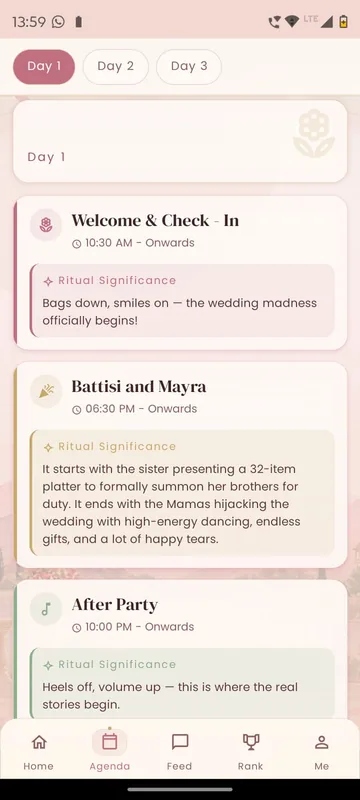
Day-wise agenda with what is on now and next, speakers, sponsors, venue maps, FAQs, dress codes and documents.
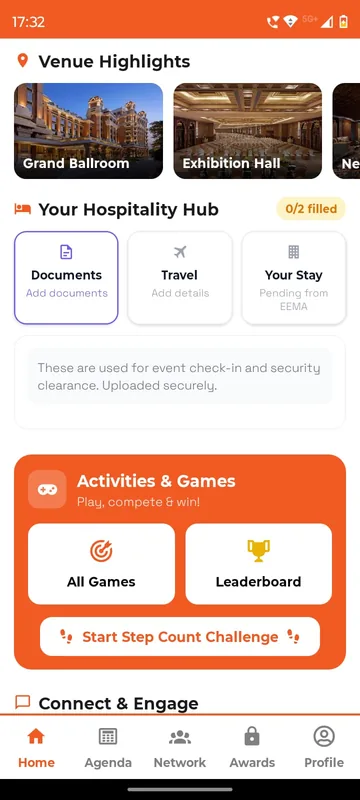
Collect flights, PNRs (airline booking references), ID proofs and room preferences in the app, then publish each guest’s own stay, pickup and contact.
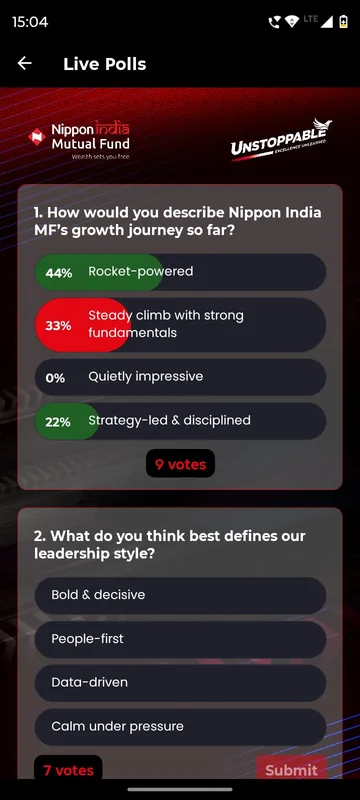
Live polls, quizzes and word clouds on phones and on the venue screen, plus session feedback when it is fresh.
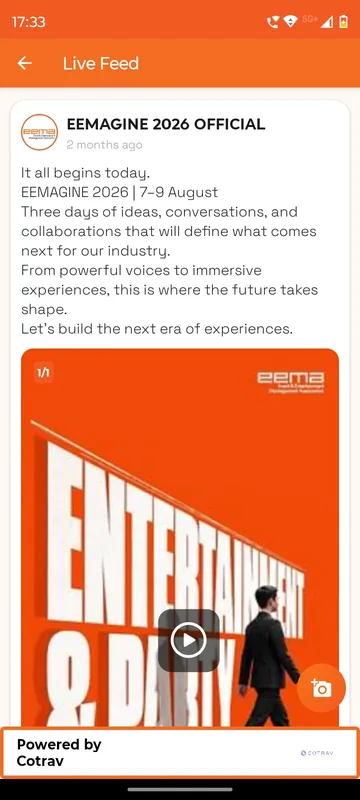
A private social feed, albums and reels, and Smart Lens: one selfie finds every photo a guest appears in.
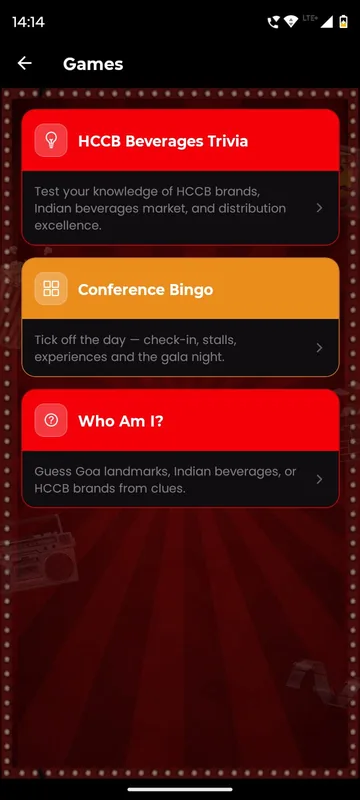
Bingo, trivia, Who Am I, treasure hunts, AR cards and custom branded games that keep people moving between sessions.
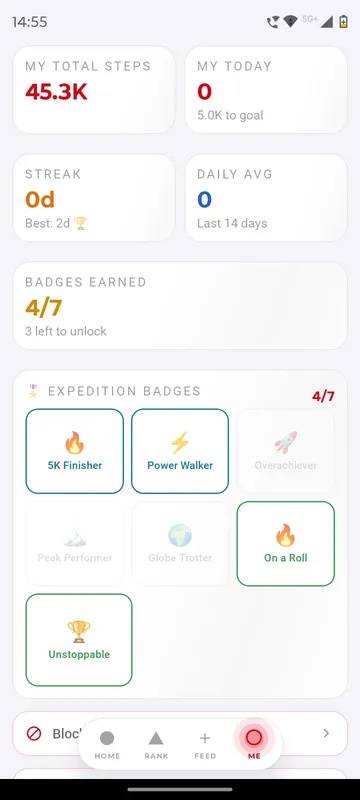
One leaderboard for everything people do, team boards, badges and streaks, step challenges and a reward store.
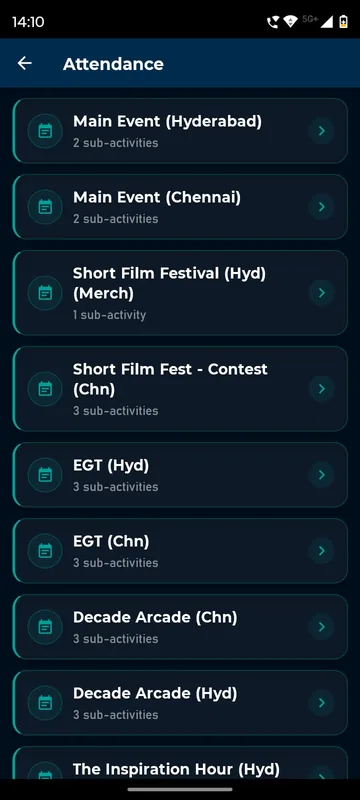
A personal QR for every guest. Scan for entry, dinners, buses and booths, with time windows and repeat-scan rules.
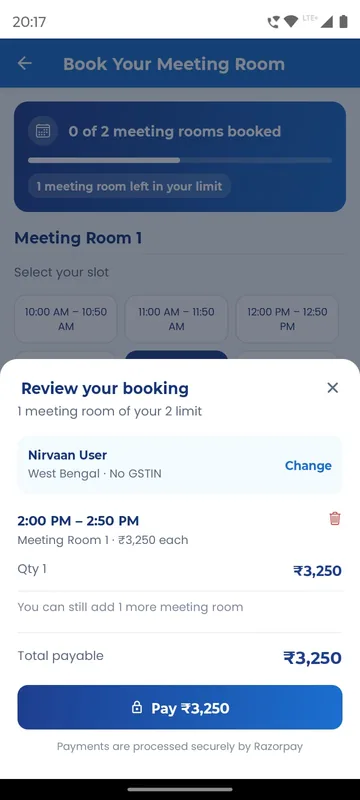
Sell tickets and meeting-room slots with Razorpay, run exhibitor stalls with lead capture, and issue GST invoices.
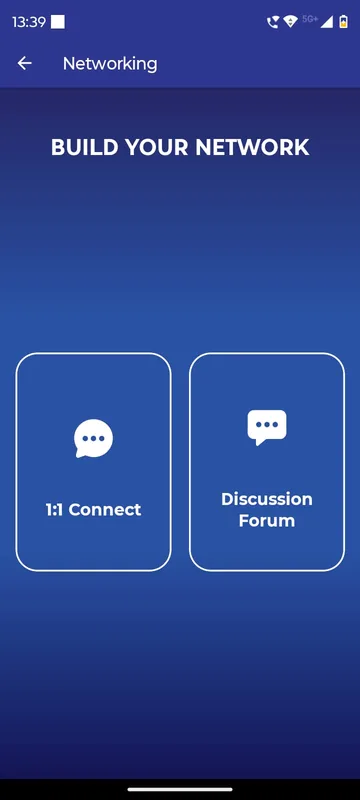
Push, email and WhatsApp to the right group at the right time, plus 1:1 chat, group chat and a delegate directory.
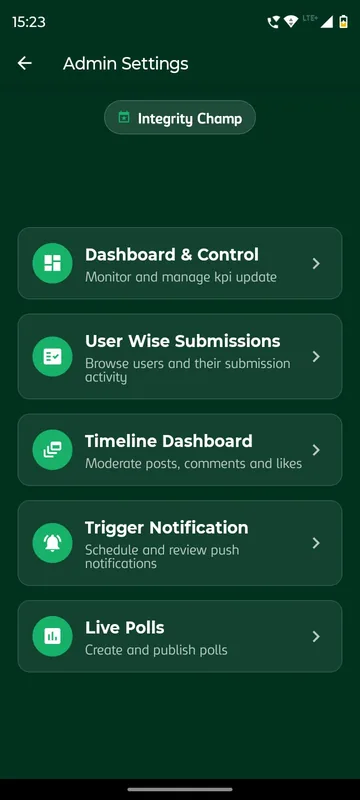
Your team runs the event from a web admin panel and an in-app dashboard, then exports everything to Sheets or Excel.
Highlights
Smart Lens and memories
Guests who choose to take a selfie are found across the event’s photos, and Smart Lens stays off unless you switch it on. A private feed, albums and reels keep the memories in one place long after the event.
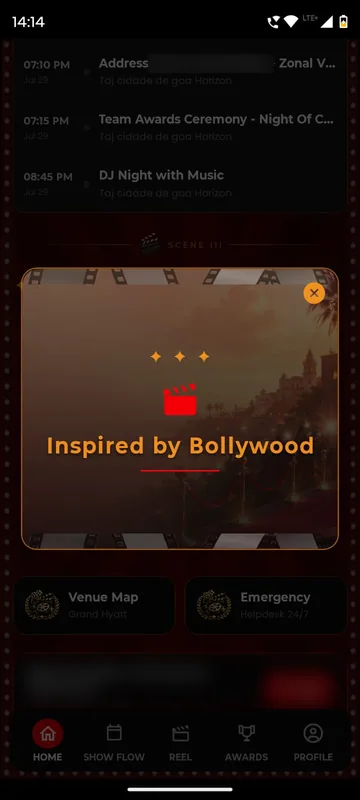
Tickets and QR
Razorpay checkout with GST-ready invoices, paid meeting-room slots, and a personal QR for every guest that works at the gate, the gala dinner and the return bus.
Control
Managers trigger polls, send announcements and mark attendance from their phones, while the admin panel holds the set-up, roles and reports.
We will configure a demo with your occasion, your groups and your agenda, then send an itemised quote within one working day.