
Reels & photobooth
Your event’s own channel, right on Home.
Post short videos and photos to a reels strip at the top of Home, with captions and hashtags, likes, comments and sharing. HCCB Partners Meet 2026 called it Reel; Lakshya 26 let permitted attendees add their own. On the guest side, a framed selfie opens the camera, adds one of your branded frames and uploads it.
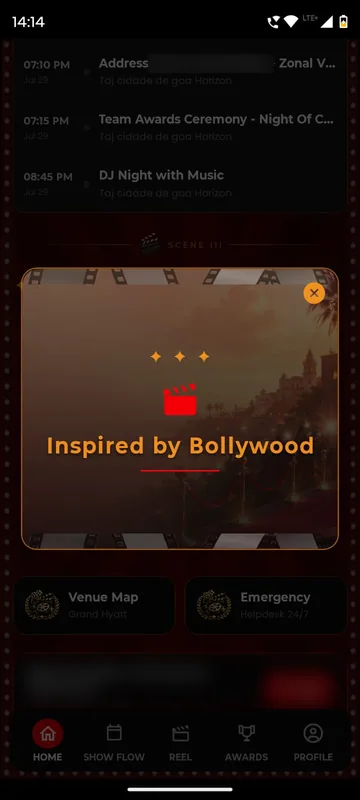
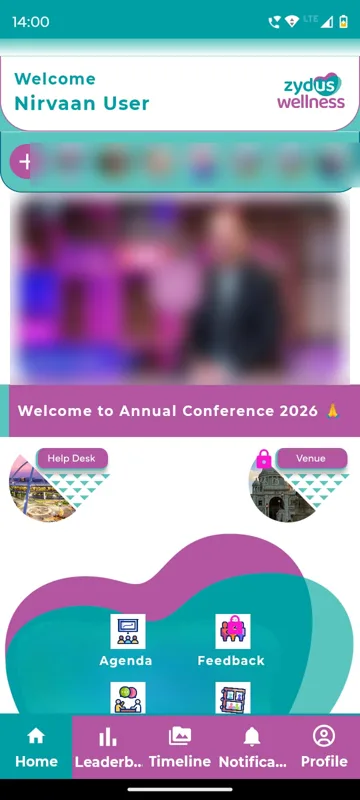
The first thing people see
Reels sit at the top of Home, ahead of everything else.
Guests add to the story
Permitted attendees post too; your team can always post.
Frames in your branding
A selfie booth that lives on every phone.
How it works
How it works
Turn on the strip
Reels or Stories, with guest uploads on or off.
Post moments
Up to five images or one video per post, with caption and hashtags.
Frame a selfie
Guests pick one of your frames, save and upload.
Fits these occasions
Where it earns its place
Works with
Pairs well with
Included in
Participation & Rewards
Make people play, score and come back.
FAQ
Common questions
Can guests post reels?
Where you allow it. Owners and Managers can always post, even when guest posting is off.
How much can one post hold?
Up to five images or one video in a single post.
Who supplies the selfie frames?
You do, or we design them with you in your event’s branding.
Is there a physical photo booth?
No. The framed selfie runs on the guest’s phone; we do not supply booth hardware or printing.
Plan your event’s reel.
Tell us what your team will post and when. We will show the strip and the selfie frames on a phone.