
Notices & countdown
The top of Home is your loudest, calmest channel.
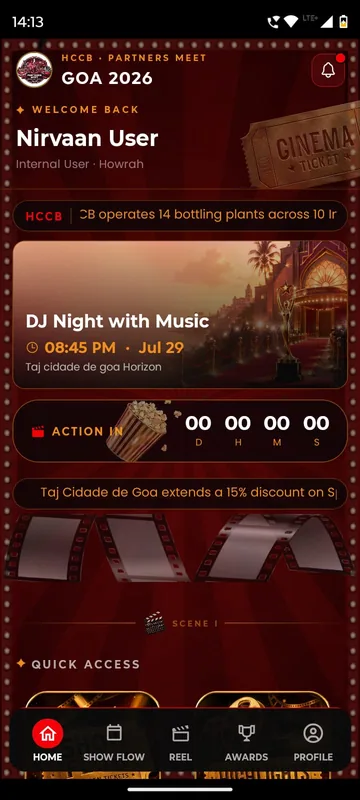
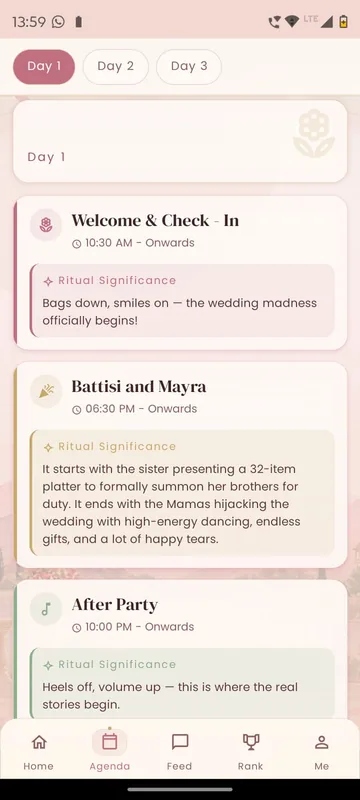
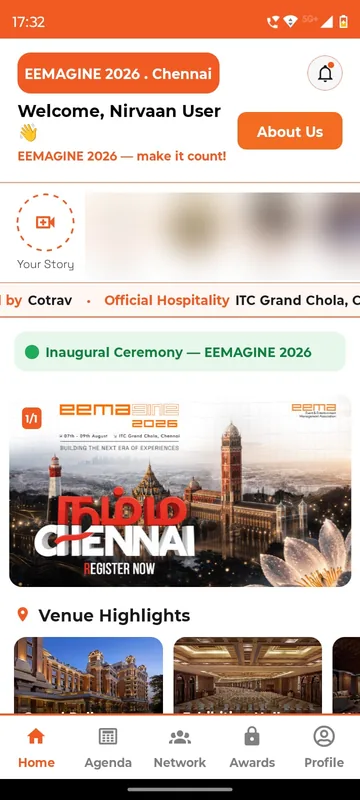
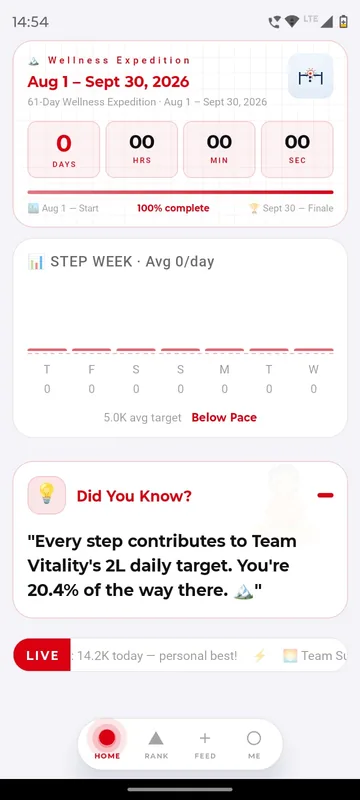
Lead the home screen with what matters now: a welcome video before arrival, a countdown in the last days, a pinned notice or a NOW LIVE strip when the day starts. HCCB Partners Meet 2026 put an ACTION IN countdown beside what was showing next; the Tanvi & Rutwik wedding app, in preparation, counts down beneath a note from the couple.
Seen by everyone
Every guest opens Home. A pinned notice there is read.
Builds anticipation
A countdown in days, hours and minutes keeps the event on people’s minds.
Changes with the day
Swap the welcome video for the priority notice the moment plans change.
How it works
How it works
Choose the elements
Banner or welcome video, countdown, pinned notice, NOW LIVE strip: each is optional.
Order them
Your team decides what leads Home at each stage of the event.
Update in the panel
Changes reach guests on their next refresh or app open.
Fits these occasions
Where it earns its place
Works with
Pairs well with
Included in
Launch
Your own branded app, fast.
FAQ
Common questions
Can we pin something urgent?
Yes. A pinned notice stays above the rest of Home until your team unpins it.
What does the countdown count to?
The start of your event, shown as days, hours and minutes, or under a themed label.
Does a change need an app update?
No. Edits in the admin panel appear on the next refresh.
Can we show a video?
Yes. A welcome video can lead Home, for example a message from your leadership or the couple.
Plan what Home says, day by day.
Tell us your event’s key moments. We will show how the home screen changes across them.