
QR attendance
Know who came, to which session, at what time.
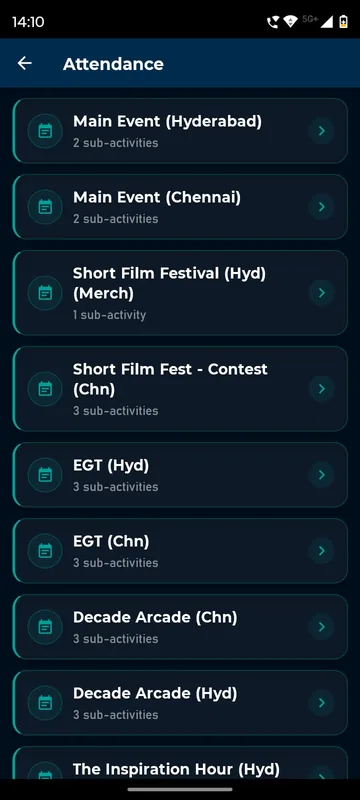
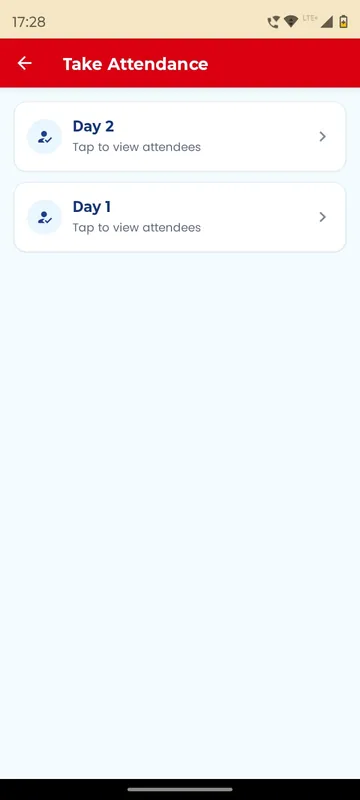
Set up each activity, such as Day 1 entry, the gala dinner or the return bus, with the rules it needs. Decide when it is open, which groups are eligible, and how many scans are allowed in what order. Managers scan a guest’s QR from their phone or add them by email or phone. enGen X counted entries and merchandise handovers city by city.
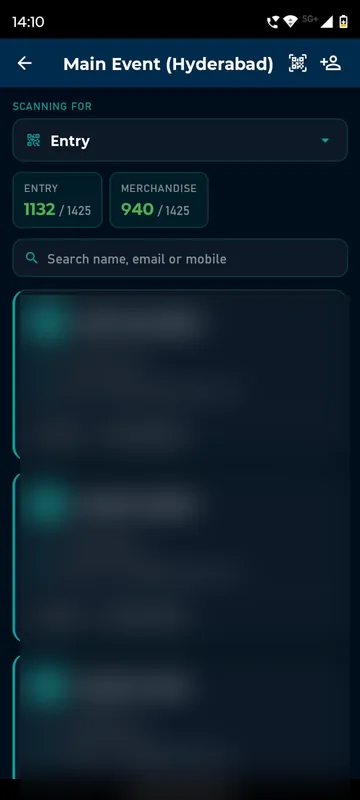
Scanners in every pocket
Any Manager’s phone becomes a scanner, with counts as they go.
Rules at the door
Time windows, group eligibility, scan limits and order are checked on the scan.
Attendance you can prove
Every scan records who, when and which scanner, for reports afterwards.
How it works
How it works
Create activities
Sessions, meals or buses, with sub-steps such as entry, exit and merchandise.
Add the rules
Open window, eligible groups, ticket requirement, repeat limit and order.
Scan or add
Scan the guest’s QR, or add them by email or phone; guests can self check-in where allowed.
Watch the counts
All, Present and Absent per activity, live on the phone.
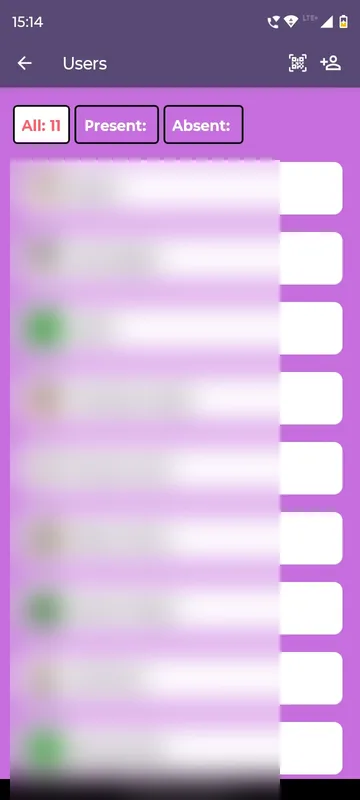
QR entry with rules
One personal QR, checked against your rules at every gate.
Guest app
Guest shows their QR
The same code works at entry, the gala dinner and the return bus.
Manager’s phone
Scan at the gate
Organisers scan or add manually. Time and scanner are recorded.
Rules
Checked in a blink
Time window, group, ticket, step order and repeat-scan limit.
Result
In, with points
Accepted scans can award points. Declines show the reason.
Fits these occasions
Where it earns its place
Works with
Pairs well with
Included in
Launch
Your own branded app, fast.
FAQ
Common questions
What happens if someone scans outside the window?
The scan is rejected and logged, so your team can see the attempt.
Can attendance give points?
Yes. A completed activity can award leaderboard points, reversed automatically if the scan is undone.
What if a guest’s phone is dead?
A Manager adds them by email or phone instead of scanning.
Do you provide scanning hardware?
No. Your team’s phones are the scanners. Kiosks and badge printers are outside the platform.
Map your check-in points.
List the doors, meals and buses. We will show how each one is set up and scanned.