
Info pages & FAQs
Answer the questions before they reach your phone.
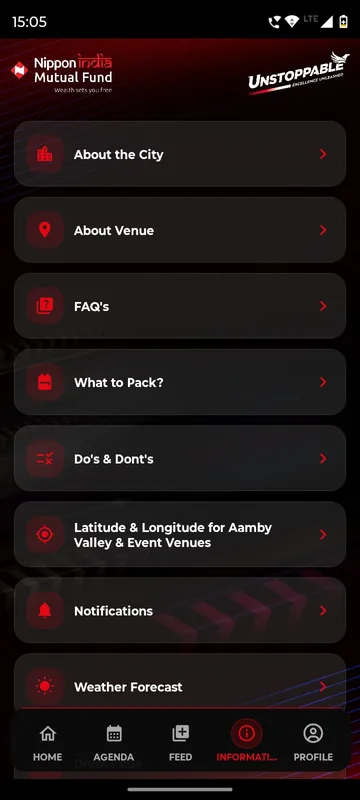
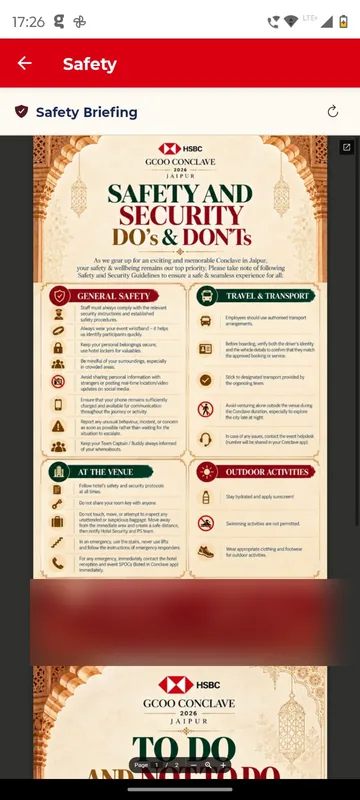
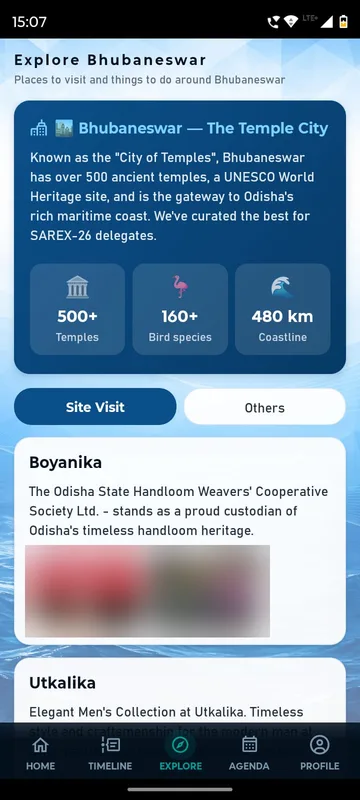
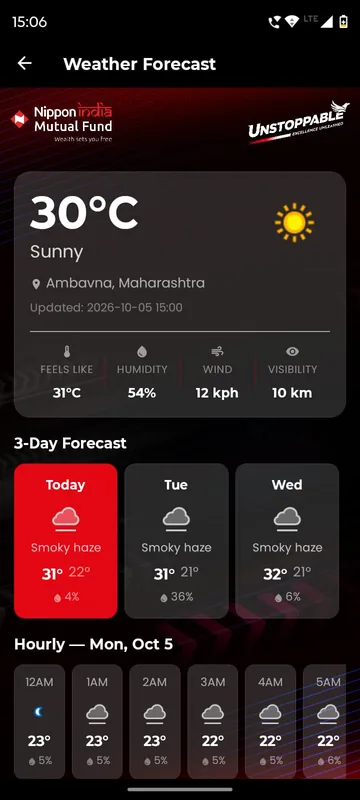
Most guest questions are answered by a page: about the city, the venue, what to pack, the weather, safety and FAQs. Unstoppable NAMI 2026 kept them under one Information tab. SAREX-26 added a protocol guide that stays on the phone after the first open, and GCOO Conclave 2026 published safety and social media guidance.
Fewer repeat questions
Venue, timings, packing and safety, answered once for everyone.
Fix it at 7 am
Edit a page in the panel and it updates on the next refresh.
Readable offline
Documents such as a protocol guide stay on the phone once opened.
How it works
How it works
Send the content
Pages, FAQs and PDFs, in your words and approved by you.
Stage it
Tiles stay locked until you open them, so evening-three content waits for evening three.
Guests read it
Pages and documents open inside the app; maps hand off to the phone’s map app.
Fits these occasions
Where it earns its place
Works with
Pairs well with
Included in
Launch
Your own branded app, fast.
FAQ
Common questions
Can we change a page after launch?
Yes. Pages and files are edited in the admin panel and appear on guests’ next refresh, with no app update.
Which documents work offline?
A document such as a protocol guide stays on the phone after it is opened once and can then be read without data.
Can a page open later in the event?
Yes. A tile shows a lock until your team switches it on.
Can pages be in Hindi or another language?
Content pages can be written in any script. The app’s own interface is in English.
Send us your guest briefing.
Whatever you would normally email as a PDF, we will show you as pages in your app.