
Help desk & emergency
Help is one tap away, even with no signal.
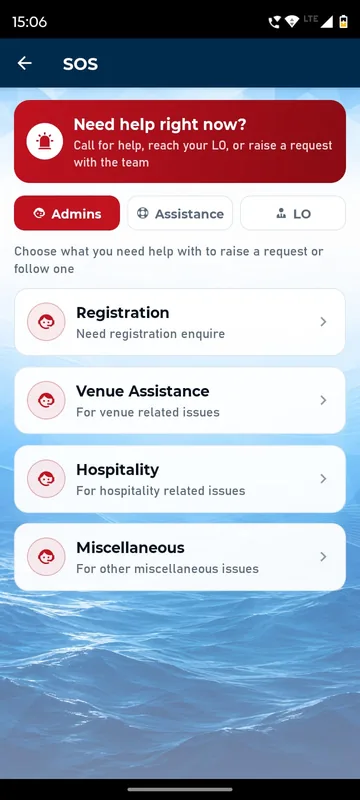
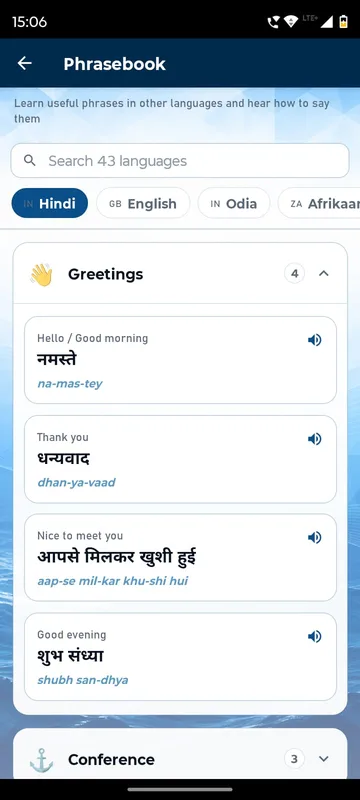
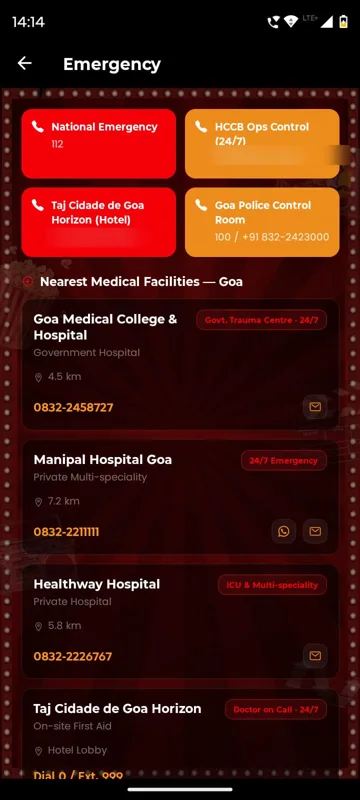
Guests reach your help desk by call, WhatsApp or email, or raise a request with a category and photos and follow it from open to closed. SAREX-26 put help, the liaison officer and emergency contacts behind an SOS entry on Home, plus a phrasebook in 43 languages that works offline. HCCB Partners Meet 2026 listed the control room, the hotel and the nearest hospitals.
Requests, not lost messages
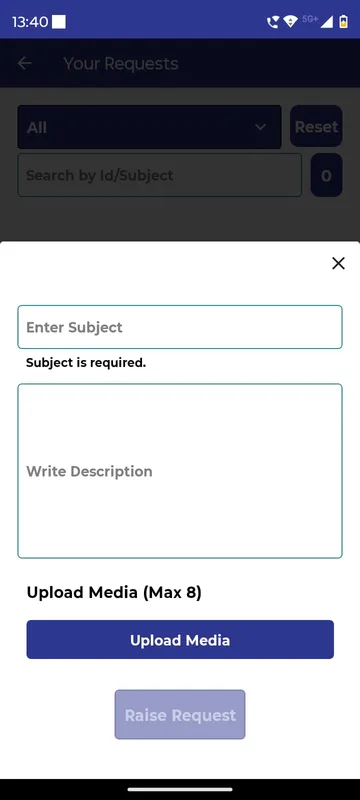
Each request has a category, attachments and a status your team updates.
The right number, instantly
Help desk, liaison officer and emergency contacts are a tap away.
Phrases for visitors
A phrasebook with audio helps visiting delegates, and reads without internet.
How it works
How it works
Set categories and contacts
Registration, venue, hospitality or your own, plus who to call for each.
Guest raises a request
Subject, details and up to 8 photos or files, or a direct call.
Your team resolves it
Managers assign requests to themselves, chat with the guest and close the loop.
Fits these occasions
Where it earns its place
Works with
Pairs well with
Included in
Event & Hospitality
Everything your guests need, and nothing your team has to chase.
FAQ
Common questions
What works without internet?
The phrasebook and downloaded guides read offline, and call and email buttons work without data. Raising a request or using WhatsApp needs signal.
How does a request move?
Open, In Progress, Resolved and Closed. The guest can chat with the admin, and Managers can assign requests to themselves.
Is there a dedicated SOS button?
Help desk, emergency contacts and request screens are standard. A dedicated SOS button, as on SAREX-26, is set up on request.
Is the app UI multilingual?
No. The app is in English. The phrasebook carries phrases in many languages with audio, and content pages can be written in any script.
Plan how guests get help.
Tell us your help desk teams and emergency contacts. We will show the guest and organiser sides in a demo.