
Gallery & albums
The photos everyone opens after the lights go down.
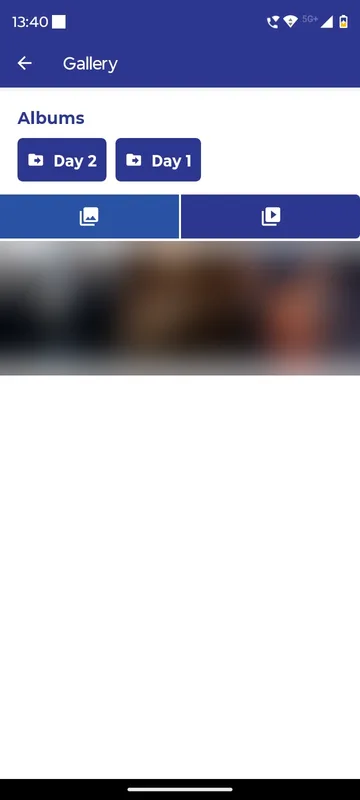
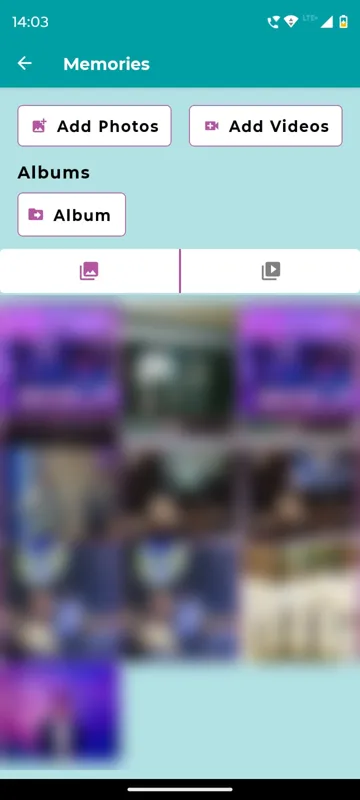
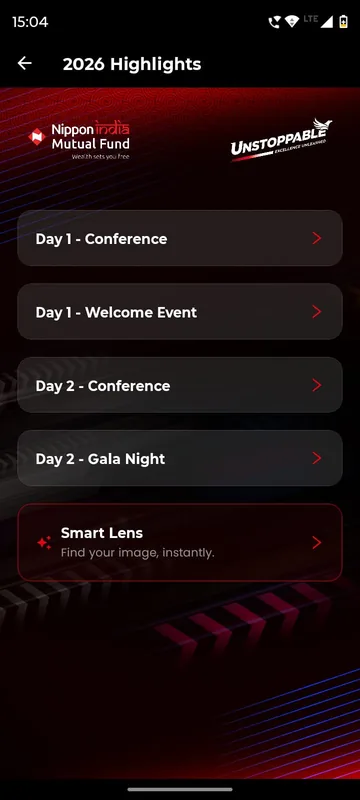
Publish albums by day, session or function, with photo and video tabs. Guests can add their own where you allow it, and your team decides whether images can be saved. Lakshya 26 called it Memories, Unstoppable NAMI 2026 called it Highlights and put Smart Lens beside the albums.
Organised by moment
Day 1, the gala, the haldi: albums match how people remember the event.
You control downloads
Allow or block saving from the gallery and feed, occasion by occasion.
Guests add theirs
Where permitted, guests upload photos and videos; Owners can remove any media.
How it works
How it works
Upload the official set
Your photographer’s approved photos go into albums by day or function.
Pull in the best posts
Photos and videos from the feed can be copied into an album.
Open the gallery
Before photos are ready, guests see a holding message; afterwards, the albums.
Fits these occasions
Where it earns its place
Works with
Pairs well with
Included in
Launch
Your own branded app, fast.
FAQ
Common questions
Can guests upload their own photos?
Yes, where you allow it. Owners and Managers can delete any media.
Can we stop people saving photos?
Yes. Downloads from the gallery and feed are an organiser setting.
How do guests find photos of themselves?
Smart Lens, where you switch it on, finds the published photos a guest appears in from one selfie.
Do you replace our photographer’s platform?
No. The gallery shows the photos you publish to the event app. Culling, selling and camera-to-cloud transfer stay with your photographer’s tools.
Plan where the photos will live.
Tell us your functions and your photographer’s delivery plan. We will show the albums and the controls.