
Chat & discussion
Conversations people agree to have.
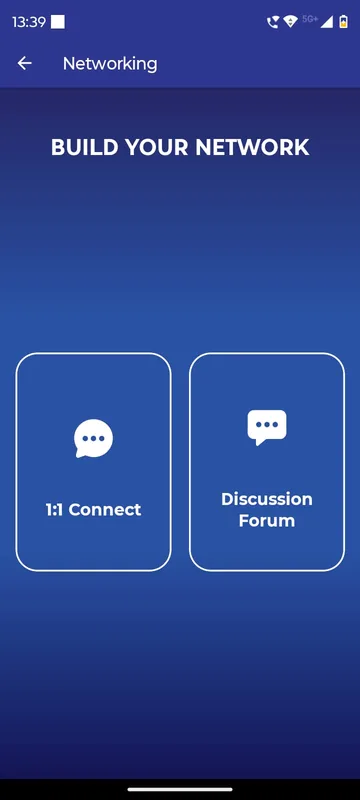
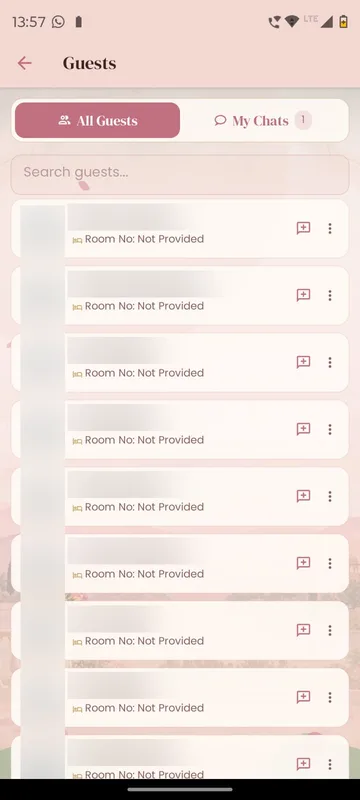
A first message to another guest is a chat request; the conversation opens only when they accept, and anyone can be blocked. Teams can get their own chat room, and a discussion board with mentions gives the whole event one place to talk. Chat can stay locked until a guest has registered.
No cold messages
Chat opens only after the other person accepts the request.
A room per team
Team Chat gives each group its own conversation, as YEC 2024 did for its Dubai teams.
One open board
Discussion with mentions and reactions keeps event-wide talk out of personal WhatsApp groups.
How it works
How it works
Find a person
Search the guest list and open a profile.
Send a request
The first message waits until the other person accepts, rejects or blocks.
Talk, or join the room
Accepted chats move to My Chats; team rooms and the discussion board are always there for the group.
Fits these occasions
Where it earns its place
Works with
Pairs well with
Included in
Event & Hospitality
Everything your guests need, and nothing your team has to chase.
FAQ
Common questions
Can anyone message anyone?
No. The first message is a request. Chat continues only when the receiver accepts, and they can reject or block instead.
Can we limit chat to registered or paid guests?
Yes. Networking can stay locked until a guest registers or holds a ticket; others can browse but not message.
Is the discussion board the same as feedback forms?
No. Discussion is an open conversation for the whole occasion. Feedback forms are separate surveys.
How do guests deal with unwanted messages?
They can block a person everywhere or in a limited way, and manage it later from Blocked Users.
Set up networking that guests trust.
Tell us who should be able to talk to whom. We will show you the request flow and team rooms in a demo app.