
OTP login
No passwords. A code, and they are in.
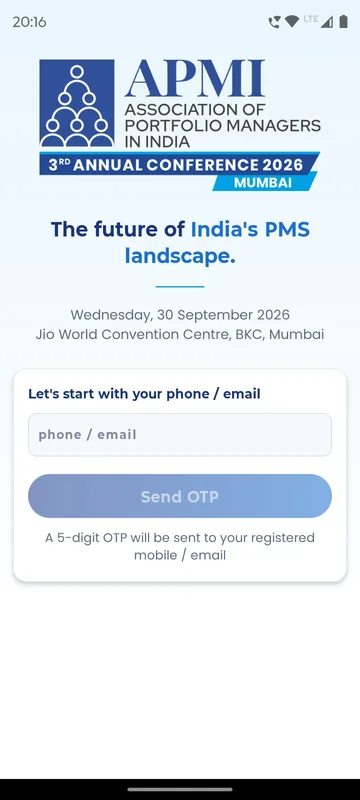
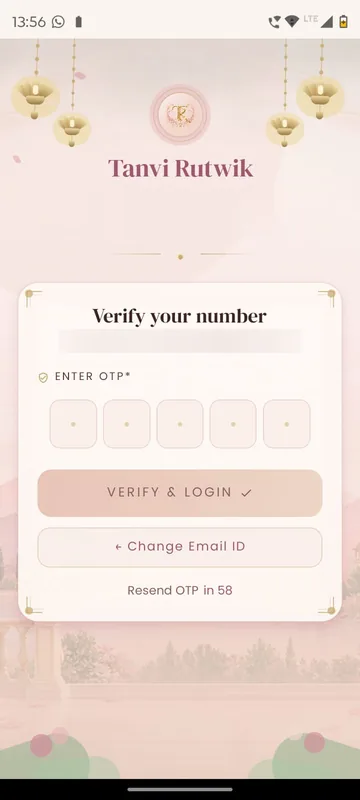
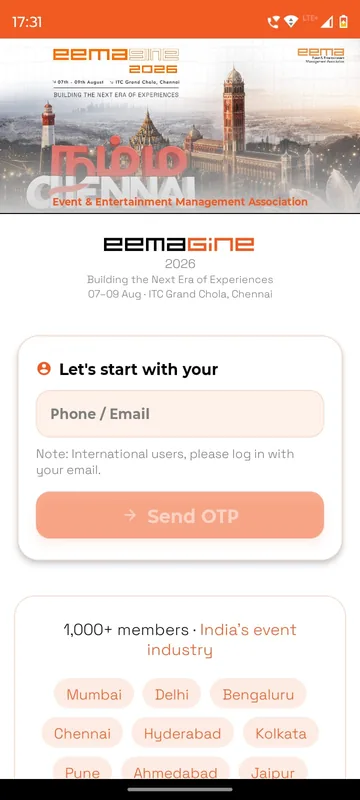
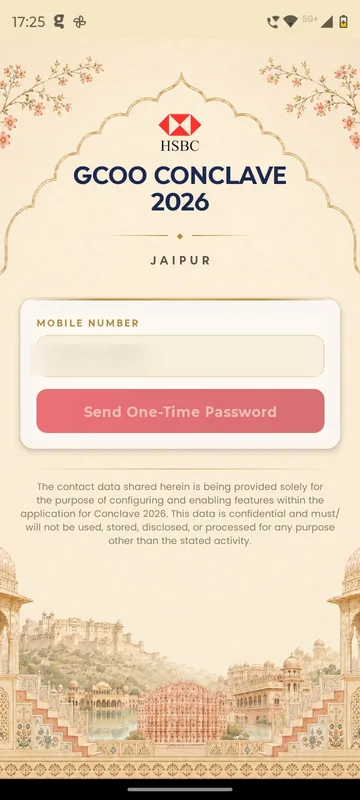
Guests type their registered phone number or email, receive a one-time code and are in. You choose the channels per event: phone, email, or WhatsApp where your provider account is connected. GCOO Conclave 2026 accepted mobile numbers only; HCCB Partners Meet 2026 let international partners use email instead.
Nothing to forget
No password to set, reset or share at the registration desk.
Works for guests abroad
Email OTP covers anyone without an Indian mobile number.
Pairs with your list
Only the numbers and emails you allow can finish sign-in.
How it works
How it works
Enter phone or email
The registered number or address, then Send OTP.
Type the code
Five or six digits, with a resend timer of 30 or 60 seconds.
First-time details
New guests add their name and any fields you ask for, then enter Home.
Fits these occasions
Where it earns its place
Works with
Pairs well with
Included in
Launch
Your own branded app, fast.
FAQ
Common questions
Can international guests sign in?
Yes. They use email OTP where the event allows it, as HCCB Partners Meet 2026 and EEMA Connect did.
Can we show a privacy policy first?
Yes. An event can require guests to read and accept a privacy policy before the code is sent.
Can the code come on WhatsApp?
Yes, when your organisation’s WhatsApp provider account is connected and the template is approved.
Who decides who can sign in?
Your guest list, allowed domains or code rules. OTP proves the person owns the number or email; the list decides whether they get in.
Choose how your guests sign in.
Tell us where your guests are. We will recommend the channels and show the sign-in on a phone.