
AI session summaries
Missed a session? Read the summary your team approved.
Members open a session and read its key points. Each summary is drafted by AI and stays hidden until an organiser approves, edits or rejects it, and the app records who approved it and when. EEMA Connect ran it as an AI Session tile for its members.
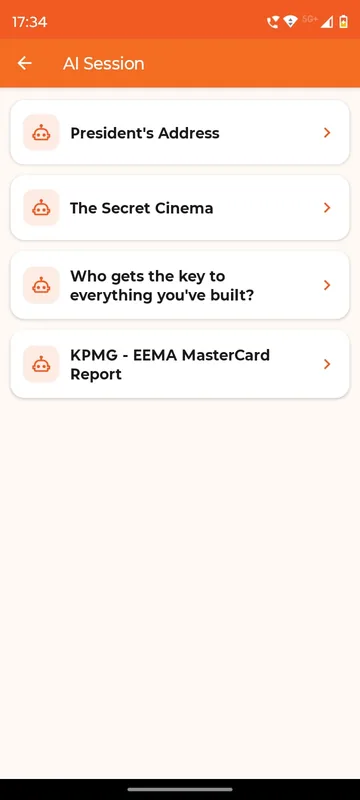
Sessions outlive the room
Members who were in another hall still get the substance of the talk.
A person signs off
Nothing reaches members until an organiser approves it.
Edit before publishing
Change the title, priority and points, or add a point the draft missed.
How it works
The AI drafts. Your team decides.
A draft per session
Each session gets an AI-drafted summary, grouped by category. How the input is captured is agreed during setup.
Review on the phone
Owners and Managers open AI Session Admin and approve, reject or edit each draft.
Members read it
Approved summaries appear under the session, with the approver and time recorded.
Fits these occasions
Where it earns its place
Works with
Pairs well with
Included in
Event & Hospitality
Everything your guests need, and nothing your team has to chase.
FAQ
Common questions
Does the AI publish anything on its own?
No. Summaries appear only after an organiser approves them. Rejected drafts stay hidden.
Who can approve summaries?
The Owners and Managers or panel admins you name for the occasion. Each approval is recorded with the person and the time.
Can we change what the AI wrote?
Yes. Organisers can edit the title, priority, status and summary points, add points, and save before publishing.
Does Sociana generate quizzes or polls with AI?
No. AI here drafts session summaries for your team to review. Quiz and poll questions come from you.
See the approval screen in action.
We will show the member view and the organiser review side by side, set up for your sessions.