
Member imports & profiles
Your attendee list, in the app, with the fields you need.
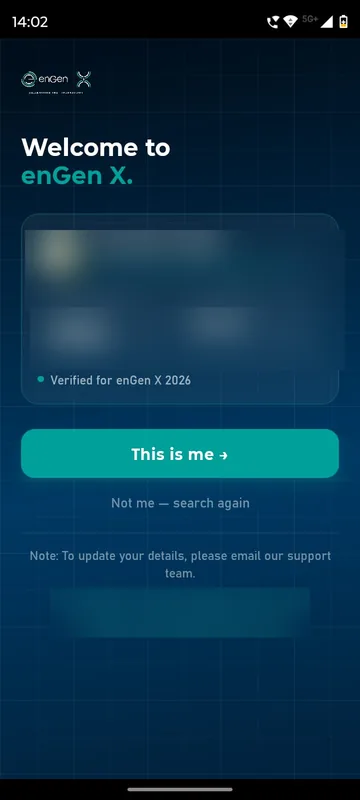
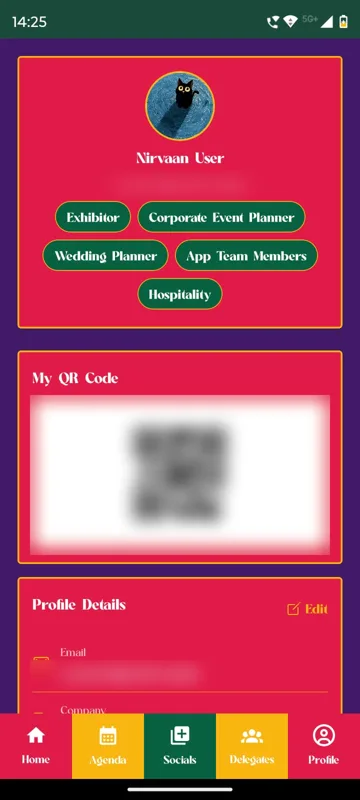
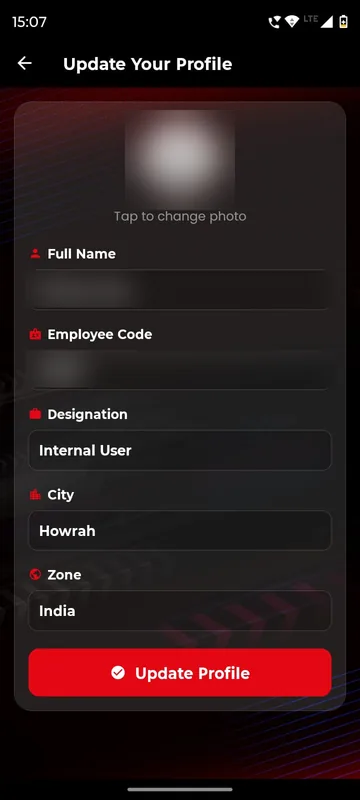
We import your spreadsheet as members and carry the profile fields you care about. For Unstoppable NAMI 2026 that was employee code, city and zone; for the Bengaluru Wedding Fraternity Meet Up, up to two of 17 business categories. enGen X added a This is me step, where each person confirms the registered record or taps Not me.
Start from your sheet
Members and groups are created from the list you already have.
People confirm themselves
This is me shows the registered record; corrections go to your team.
Fields that do work
City, zone or category drive groups, searches, attendance lists and reports.
How it works
How it works
Share the list
We match each row to the right person and import members and groups.
Ask for what is missing
First-time sign-in asks for the fields you choose, such as designation or city.
Check the result
Your team reviews the import and the participant view before launch.
Fits these occasions
Where it earns its place
Works with
Pairs well with
Included in
Launch
Your own branded app, fast.
FAQ
Common questions
Can attendees edit their own details?
Usually yes. Where This is me is on, the registration file stays the source of truth and corrections go through your support contact.
Can a field limit choices?
Yes. A category field can cap selections, such as a maximum of two business categories.
Which fields can we collect?
Name, designation, company, city, zone, employee code, category and more, as the organiser chooses.
Can we sync the list from our registration platform?
Lists come in by CSV or Sheets, and incoming webhooks can sync guests from another registration platform, set up with our team.
Send us a sample of your list.
A few anonymised rows are enough. We will show how they become members, groups and profiles.