Agency app · Since Feb 2025
Occasion Xperts
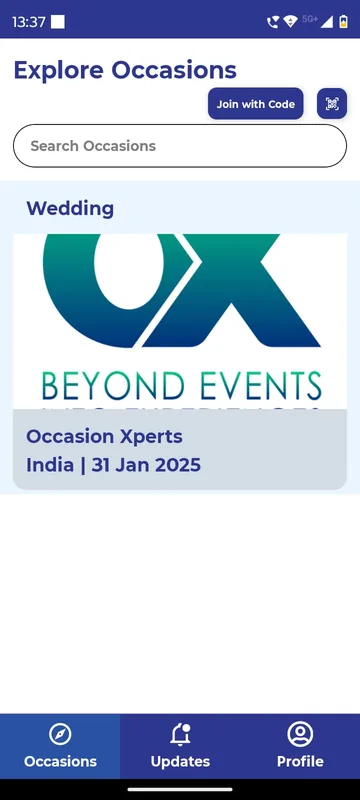
One branded agency app for every wedding, conference and offsite it runs, each occasion joined by code or QR.
Read the story
Admin panel
Switch modules on or off, set the rules, give each team member the right access and change the look of the app, per event. Managers act on site from dashboards inside the app.
Choose the modules, how they behave and how the app looks, without a developer.
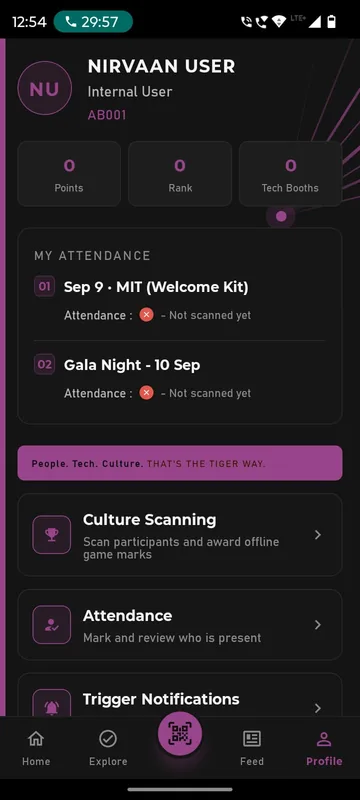
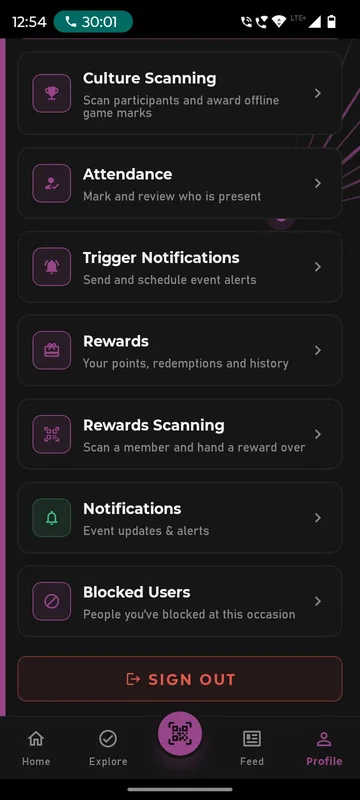
Owners and managers get organiser tools in the app; guests never see them.
Mark attendance, approve posts and check numbers from in-app dashboards.
What’s included
Admin panel
A web admin panel decides what is on, how it behaves and how it looks for each occasion. Inside the same app, Owners and Managers get extra buttons on their profile to take attendance, send notices and run polls from the floor, while guests see only what you have opened for them.
Explore admin panel, roles and feature switchesAdmin panel
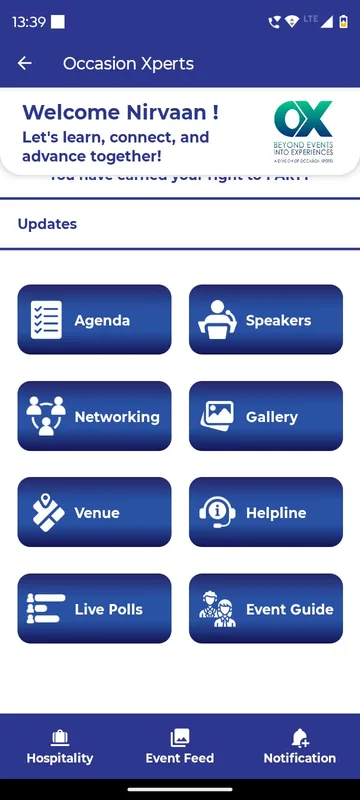
Every app carries your logo, colours, banners and welcome video. Its sections can be renamed to match the theme: Show Flow and Reel for a cinematic partners meet, Xplore and Xcite for enGen X, JSAgenda for a Jaipur offsite. Home tiles can be shown, hidden, ordered or locked until their moment.
Explore branding, home tiles and layout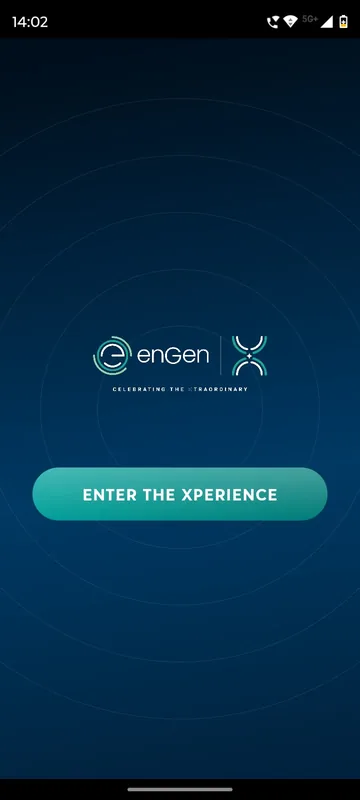
Agency app · Since Feb 2025
One branded agency app for every wedding, conference and offsite it runs, each occasion joined by code or QR.
Read the storyMore of the platform
Guests sign in the way your list already works: phone or WhatsApp OTP, delegate ID and PIN, employee code or an event code. Put them in groups so each one sees only what is meant for them.
Scheduled push announcements, WhatsApp campaigns, email and SMS, targeted by group, with delivery logs you can check. A help desk and SOS button sit one tap away for guests.
A personal entry pass for every guest, and check-ins for sessions, dinners, buses and booths, each with its own time window and repeat-scan rules. See who arrived, by session and group.
Collect flights, PNRs (airline booking references), ID proofs and room preferences in the app, then publish each guest’s own stay, journey and contact. Your travel desk sees who still owes what, per guest.
Ticket types, coupons and Razorpay checkout with GST-ready invoices, then a personal QR entry pass for every buyer, all inside your event app.
A slot grid for meeting rooms or experiences, a per-person cap, GST billing details and Razorpay payment, alongside the agenda and networking.
FAQ
Features choose which modules are on, Rules define how they behave, such as windows and limits, and Look and layout controls branding and home tiles.
No. Login routes are OTP, employee code, delegate ID and PIN, and company email domains. Sociana does not offer SAML or SCIM.
Only Owner and Manager accounts. Guests see a locked or hidden tile for anything not opened for them.
We switch this on in a sample app with your occasion and your groups, then send an itemised quote within one working day.