
Customer story · Agency app
Occasion Xperts: One agency app for every wedding, conference and offsite it runs
Occasion Xperts is an events agency that runs weddings, conferences, offsites and reunions from one app carrying its own brand, live on both stores since February 2025. Guests sign in once, join each occasion with a code or QR and see that occasion's own home, agenda, hospitality form, polls and chats, while the agency handles help requests, attendance and announcements from the same app.
Client: Occasion Xperts
The occasion in two lines
Occasion Xperts is an events agency that works under the line “Beyond events into experiences” and runs weddings, conferences, corporate offsites, reunions and festivals. Since February 2025 every one of those occasions has lived inside one app that carries the agency’s own name on the App Store and Google Play.
What the agency needed
An agency that builds a new app for every client spends its margin on store submissions and its guests’ patience on downloads. Occasion Xperts wanted the opposite: one branded app that guests install once and keep, with each client’s occasion kept separate inside it. In practice that meant five things.
- A home for every occasion. A wedding in Goa and a corporate meet a month later had to sit side by side in the same app, each with its own colours, section names, agenda, photos, chats and updates.
- Fast entry. Guests needed to reach the right occasion with a code from the invite or a QR on a poster, without anyone adding them by hand.
- Hospitality without spreadsheets by email. Arrival and departure times, flight PNRs and tickets had to come in through the app, and each guest’s room, travel or pickup had to go back out the same way.
- A help desk with a trail. Guest problems had to land in a queue that someone owns, not in a WhatsApp group.
- Control on the ground. The agency’s own staff had to mark attendance, send announcements and run polls from their phones, with nobody waiting on a developer.
What we built
One app, many occasions
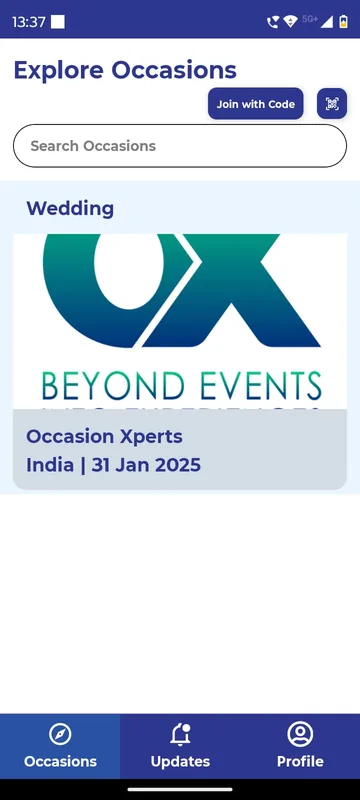
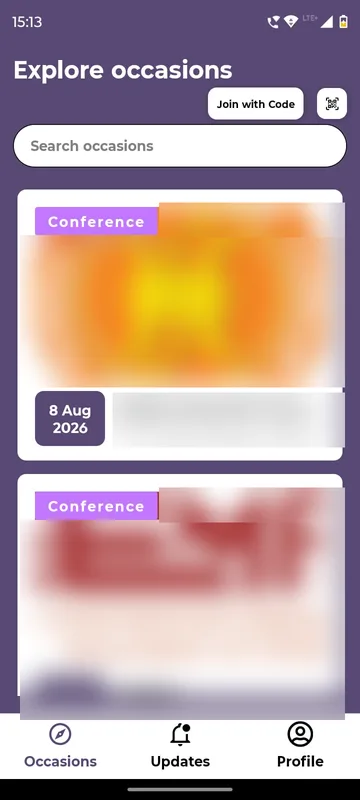
After login, guests land on Explore Occasions: picture cards with each occasion’s name and date, a search box, a Join with Code button and a QR icon. Pull down and new occasions appear. The bottom bar carries just three tabs: Occasions, an Updates inbox that gathers announcements from every occasion the guest belongs to, and Profile.
Joining by code or QR
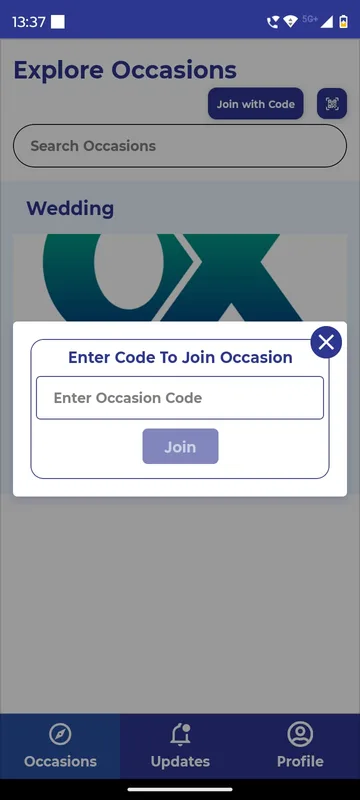
Login is one step: phone number or email, a Cheers button, then a one-time code and Verify & Proceed. First-timers add a name, city, an 80-character bio and an optional photo on the same screen. To join an occasion, the guest types the code from the invite into Enter Code To Join Occasion, or scans the occasion’s QR from a printed card or a venue poster, and the occasion appears in the list.
An occasion home each client can rename
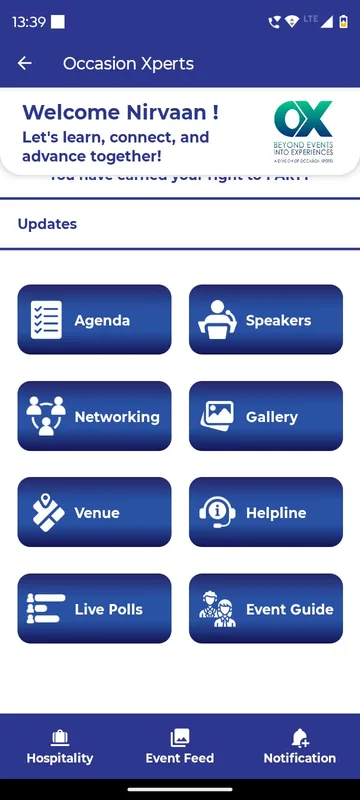
Inside an occasion, the home screen stacks a reels strip, a welcome carousel or video, a pinned notice, a grid of section tiles and a sponsors carousel. The organiser chooses which tiles appear, what they are called (Agenda can become Itinerary or Schedule) and which shortcuts sit in the occasion’s own bottom bar. The occasion we show uses Agenda, Speakers, Networking, Gallery, Venue, Helpline, Live Polls and Event Guide, with Hospitality, Event Feed and Notification pinned below.
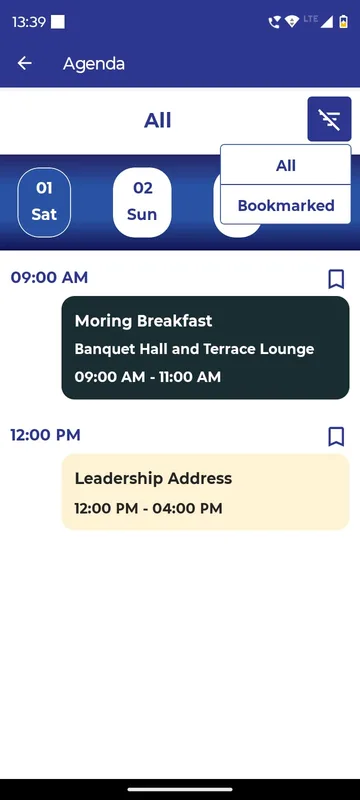
Agenda with bookmarks
The agenda runs by date chips, with sessions showing time, place and sub-sessions. Guests can filter to Bookmarked sessions to build their own plan.
Hospitality in both directions
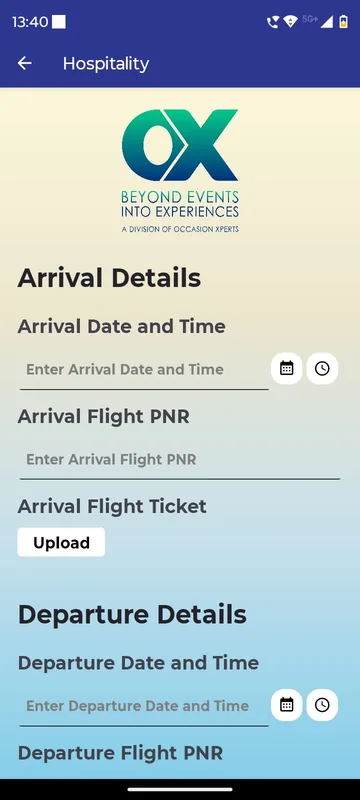
The Hospitality section asks each guest for Arrival Date and Time, Arrival Flight PNR, a ticket upload and the same for departure. Once the agency has arranged things, the guest’s own room, travel or pickup appears there, with Download File for tickets and documents and “To be updated by Admin” until it is ready.
Helpline and support requests
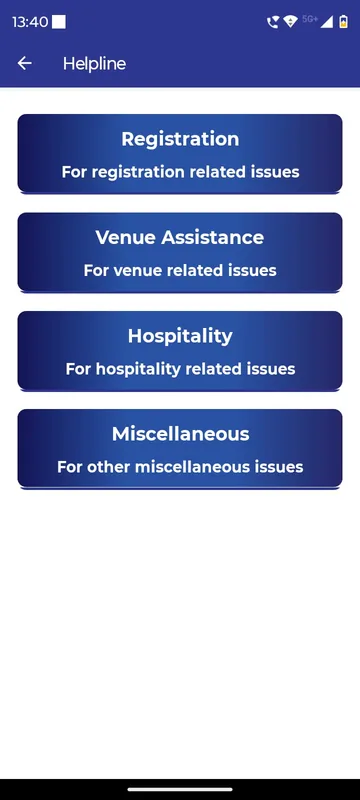
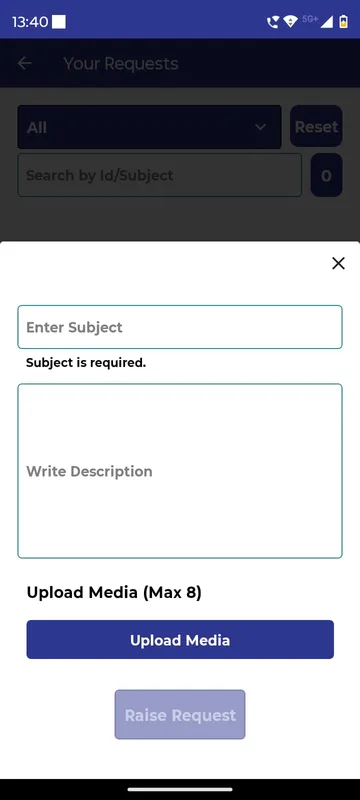
The Helpline gives four doors: sign-up, venue assistance, hospitality and miscellaneous, each with phone and email that open with a tap. Behind them sits Support Request: the guest picks a category, writes a subject and details, attaches up to eight photos or files, follows the request from Open to In Progress, Resolved and Closed, and uses Chat With Admin in between. Owners and managers see a badge of open requests, filter them by stage, assign a request to themselves and reply with Chat With User.
Live polls with the occasion’s tone
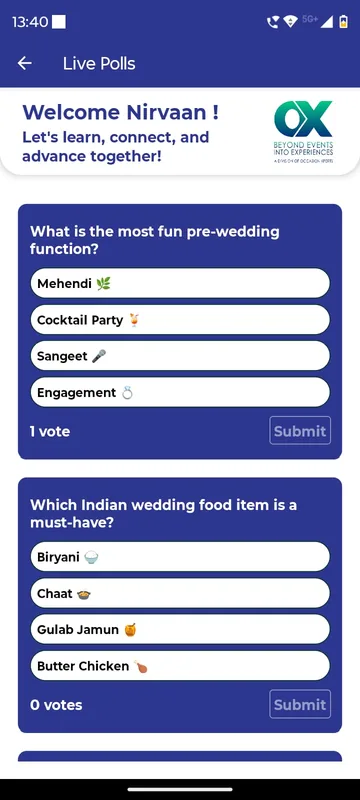
Organisers write the question and options, and switch Visible on when the moment comes. At a wedding that meant questions such as the most fun pre-wedding function and the must-have wedding food, answered with one tap.
Networking, feed and gallery
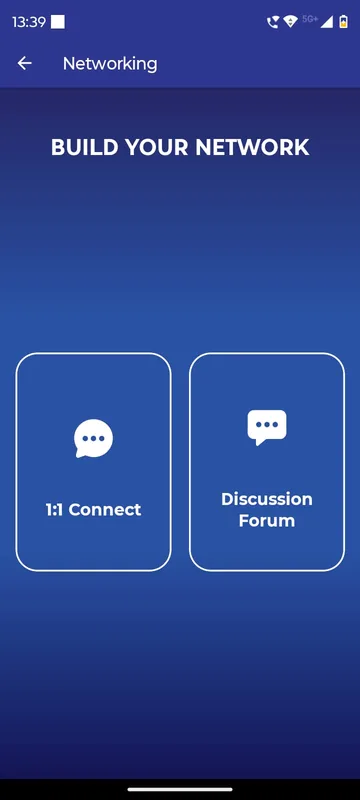
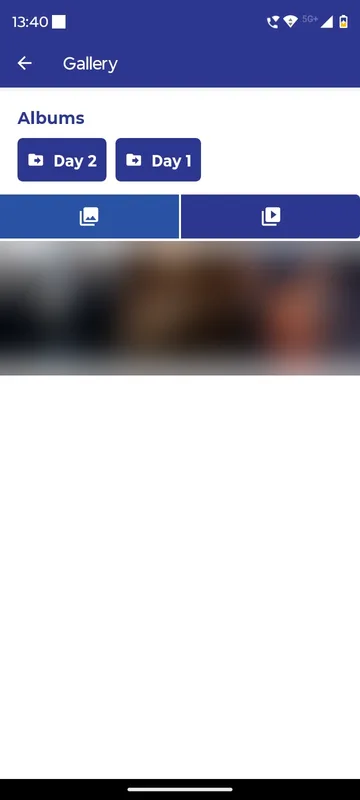
Build Your Network opens two doors: 1:1 Connect, where the other person accepts a chat request before the conversation continues, and a Discussion Forum for the whole occasion with member tags. The Event Feed takes posts of up to five photos or one video with hashtags. The Gallery holds day-wise albums with photo and video tabs, and managers can add or delete media.
Profile QR and the organiser’s tools
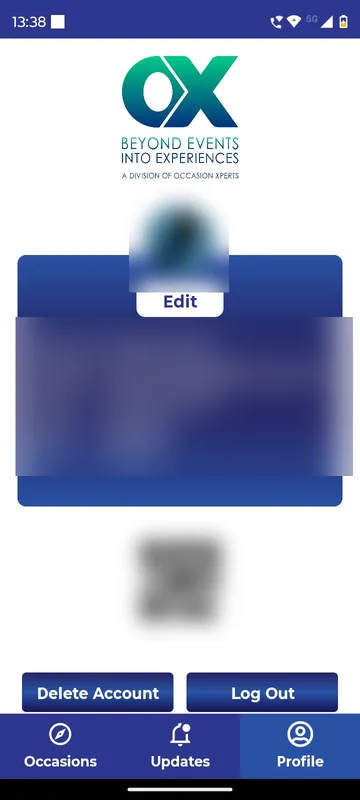
Every guest’s Profile carries a personal QR. Owners and managers open Attendance, pick a category such as a session or a meal, and scan that QR or add the guest by email or phone. The same admin screen holds Trigger Notification (title, message, date and time, chosen groups, with Upcoming and Triggered tabs) and Live Polls.
How it ran
Each new occasion is set up in the Sociana admin panel with its own members, groups, branding, tile names and bottom-bar shortcuts, and goes out to guests as a code or a QR. Nothing is resubmitted to the stores. The agency’s managers decide occasion by occasion whether guests may post to the feed and reels; Visitors can browse but never post. On the day, the agency’s own staff scan attendance per category, schedule announcements to groups and open polls when a session starts, while support requests queue up with an owner and a clear stage.
The occasions in our screenshots show the range: a wedding card dated 31 January 2025, an occasion at ITC Grand Goa with a resort site map, Day 1 and Day 2 photo albums, wedding-themed polls and a wedding etiquette guide.
What came out of it
The agency has one durable listing instead of a string of short-lived apps. It has been on both stores since February 2025, the iOS version reached 1.2.0 in January 2026, and Google Play lists it at 100+ installs. Every guest who installed it for one occasion already has it for the next. We have not published occasion counts or ticket volumes for this agency.
What we would do again
- One listing per agency, many occasions inside. Guests keep the app between events, and the agency’s brand stays on the home screen of every guest’s phone.
- Codes and QRs for joining. They remove manual adding and let the agency print entry onto invites and venue posters.
- Helpline categories that match the support desk. Guests choose the right door and the agency sees who owns each request.
- A separate updates feed per occasion. Each occasion’s announcements reach only that occasion’s guests, so one shared app can serve many events.
What we built
Modules switched on for this app
Related stories
More events on Sociana
Nirvaan
Sociana (in-house app)
Install once, join any occasion by code or QR, read every update in one inbox, and take attendance at the door.
Read the story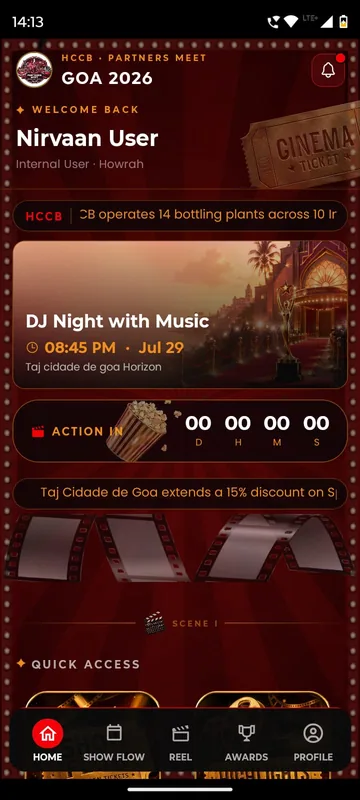
HCCB Partners Meet 2026
Hindustan Coca-Cola Beverages
A two-day partners meet built like a film premiere, with travel per guest, awards, games and partner-only content.
Read the story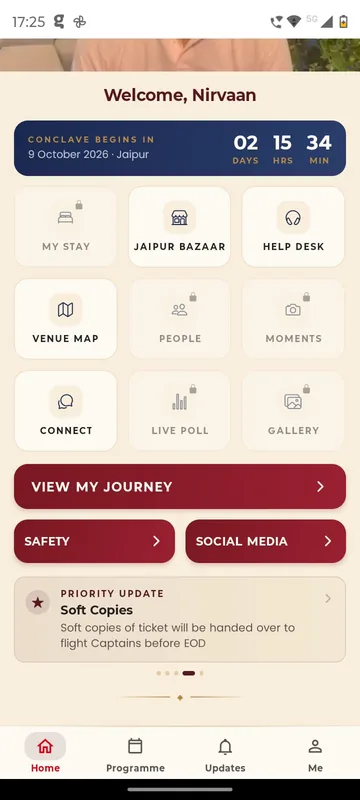
GCOO Conclave 2026
GCOO Conclave
Senior delegates across two Jaipur hotels found their stay, journey and help desk first, before the agenda.
Read the storyPlanning something similar?
Tell us about your agency app. We will show you the closest apps we have built and how yours would look.