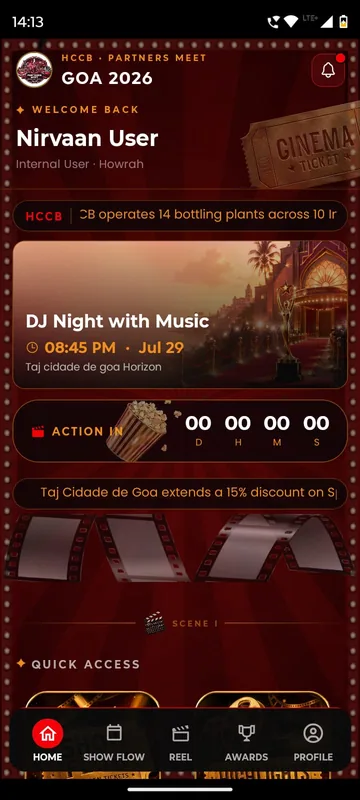
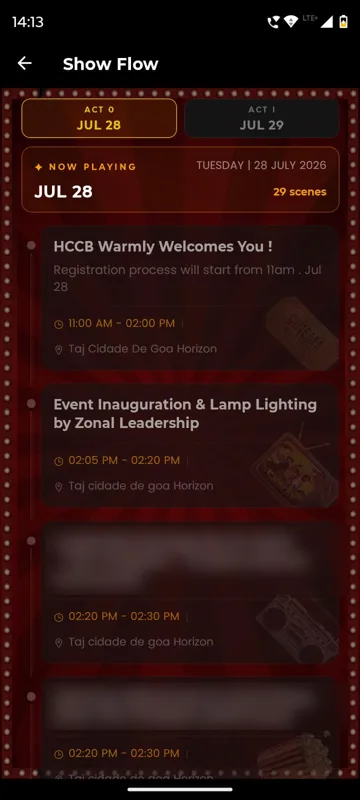
Partner meet · Goa · Jul 2026
HCCB Partners Meet 2026
A two-day partners meet built like a film premiere, with travel per guest, awards, games and partner-only content.
Read the story
Messaging
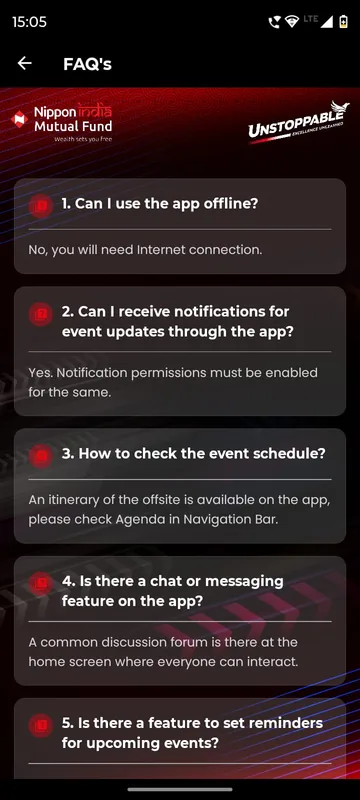
Scheduled push announcements, WhatsApp campaigns, email and SMS, targeted by group, with delivery logs you can check. A help desk and SOS button sit one tap away for guests.
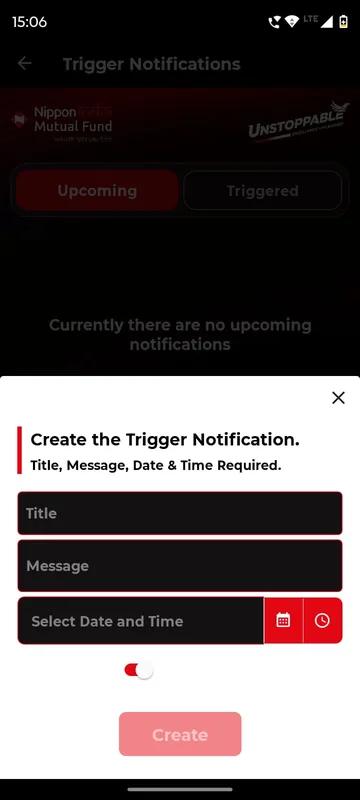
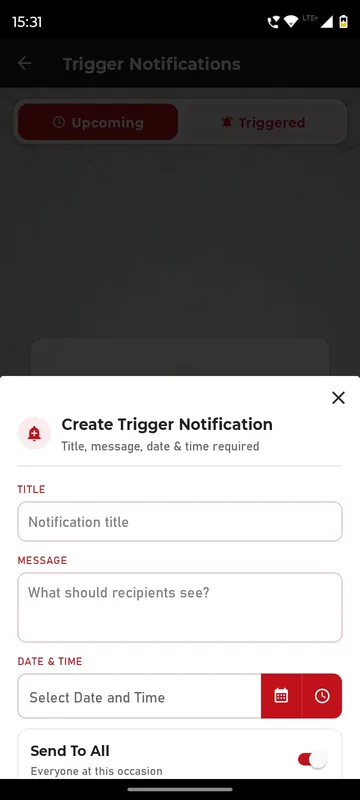
Write once, choose who receives it and when.
Reach guests on the channel they already read.
Guests reach your team in one tap, with a phrasebook for travel.
What’s included
Messaging
Owners and Managers open Trigger Notifications on their phone, write a title and message, pick a date and time and choose Send To All or Select Group. Each one arrives as a push and stays in the app’s updates list. GCOO Conclave 2026 used it for PNR and web check-in updates; HCCB Partners Meet 2026 for reminders before the awards.
Explore push and scheduled announcements by groupMessaging
Guests reach your help desk by call, WhatsApp or email, or raise a request with a category and photos and follow it from open to closed. SAREX-26 put help, the liaison officer and emergency contacts behind an SOS entry on Home, plus a phrasebook in 43 languages that works offline. HCCB Partners Meet 2026 listed the control room, the hotel and the nearest hospitals.
Explore help desk, SOS, emergency contacts and phrasebook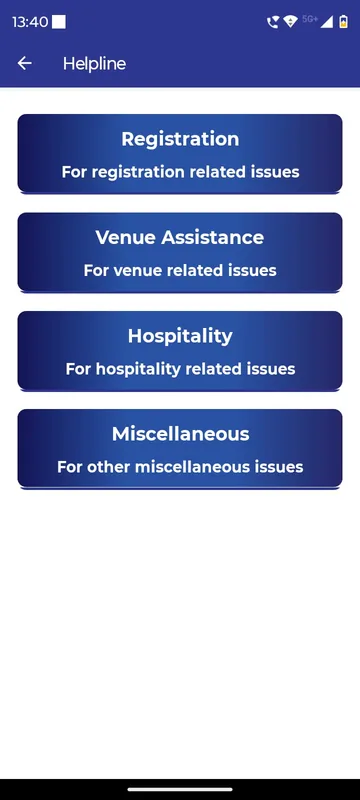
Partner meet · Goa · Jul 2026
A two-day partners meet built like a film premiere, with travel per guest, awards, games and partner-only content.
Read the storyMore of the platform
Guests sign in the way your list already works: phone or WhatsApp OTP, delegate ID and PIN, employee code or an event code. Put them in groups so each one sees only what is meant for them.
A personal entry pass for every guest, and check-ins for sessions, dinners, buses and booths, each with its own time window and repeat-scan rules. See who arrived, by session and group.
Collect flights, PNRs (airline booking references), ID proofs and room preferences in the app, then publish each guest’s own stay, journey and contact. Your travel desk sees who still owes what, per guest.
Ticket types, coupons and Razorpay checkout with GST-ready invoices, then a personal QR entry pass for every buyer, all inside your event app.
A slot grid for meeting rooms or experiences, a per-person cap, GST billing details and Razorpay payment, alongside the agenda and networking.
Switch modules on or off, set the rules, give each team member the right access and change the look of the app, per event. Managers act on site from dashboards inside the app.
FAQ
Push and in-app notifications, WhatsApp through the organisation's provider account, SMS OTP and email. Each has its own configuration, and WhatsApp templates need approval before sending.
Yes. Owners and Managers open Trigger Notifications in the app, schedule a message and send it to everyone or selected groups, with Upcoming and Triggered tabs.
No. Delivery depends on WhatsApp, the SMS or email provider and the recipient's phone. Logs show what was sent, and provider status shows what the provider reports.
We switch this on in a sample app with your occasion and your groups, then send an itemised quote within one working day.