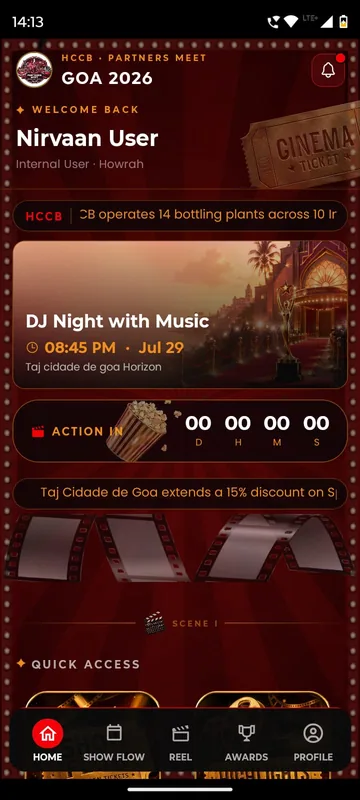
Partner meet · Goa · Jul 2026
HCCB Partners Meet 2026
A two-day partners meet built like a film premiere, with travel per guest, awards, games and partner-only content.
Read the story
Smart Lens
Smart Lens finds a guest across the event’s photo gallery from a single selfie. It is off unless you switch it on for your event, and it only searches for guests who choose to take a selfie.
One selfie searches the whole event gallery.
Per event, and only for guests who choose to use it.
Guests keep the photos they appear in.
Partner meet · Goa · Jul 2026
A two-day partners meet built like a film premiere, with travel per guest, awards, games and partner-only content.
Read the storyMore of the platform
AI avatars give guests something to make and share. AI session summaries turn talks into short reads, published only after your team approves them.
Guests sign in the way your list already works: phone or WhatsApp OTP, delegate ID and PIN, employee code or an event code. Put them in groups so each one sees only what is meant for them.
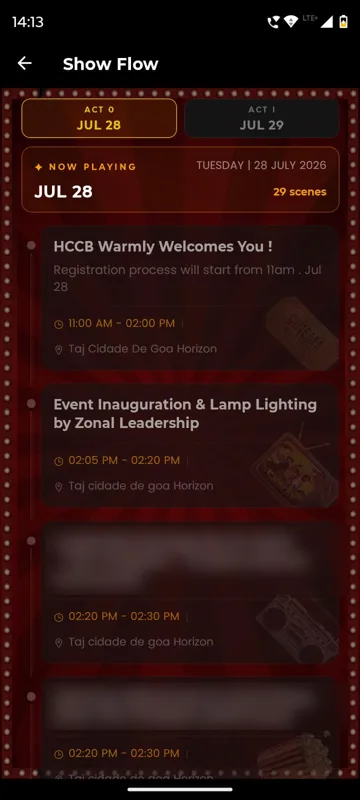
Day-wise agenda with what is on now and next, speakers, sponsors, venue maps, dress code, FAQs and documents, under the names you choose. Fix anything in minutes and it updates on every phone.
Posts, photos, reactions and reels in a feed only your guests can see, a social wall for the venue screen, and albums with download controls that keep the memories in one place.
A delegate directory, chat requests with an accept step, group discussions and QR contact exchange, with blocking and moderation so networking stays welcome.
Scheduled push announcements, WhatsApp campaigns, email and SMS, targeted by group, with delivery logs you can check. A help desk and SOS button sit one tap away for guests.
FAQ
A published gallery. The organiser or photographer's approved photos are uploaded to the occasion's albums first, and Smart Lens then matches a participant's saved selfie against them.
No. It is a finder inside the event app. Camera-to-cloud transfer, culling and selling prints are separate photographer tools that Sociana does not offer.
The organiser, per occasion. It is a switch with agreed consent wording, and the albums work normally when it is off.
We switch this on in a sample app with your occasion and your groups, then send an itemised quote within one working day.