
Customer story · Wellness challenge
HSBC Wellness Expedition: 600 colleagues, 15 teams and one 45-day walk
The HSBC Wellness Expedition was a 45-day team walking programme, 1 September to 15 October 2026, for 600 colleagues in 15 teams of 40. Its Sociana app read steps from Apple Health or Health Connect, showed each person's 5K pace and their team's 2L daily target, and kept every team's eligibility visible without any negative marking.
Client: HSBC
The occasion
HSBC ran its Wellness Expedition for 45 days, from 1 September to 15 October 2026, designed for 600 colleagues in 15 teams of 40, each person aiming for 5,000 steps a day and each team walking towards 90 lakh steps. Sociana built and ran the app, Wellness Expedition, in HSBC red and white.
What HSBC needed
Most step challenges end up rewarding a handful of very keen walkers. HSBC wanted the opposite: a programme where a team only succeeds if most of its people take part. The rules it settled on had three layers. Each person had a 5K daily pace to aim for. Each team had a daily target of 2L (2,00,000) steps. And underneath, a team stayed eligible only if, on every completed day, it logged at least 1L steps and had at least 20 different active members. Miss either, and the team was out.
That demanded fairness. Steps had to come from phones and watches, not from someone typing a number into a health app. People had to see their own pace and their team’s position within seconds of opening the app, every morning. There was to be no negative marking: a low day should never cost anyone points. The programme was also framed as mental wellness, so it needed room for calmer activities that were never ranked. Finally, the organisers wanted to adjust the run, pausing sync, pinning news or opening a tab, without asking 600 people to update an app.
What we built
Sign-in for colleagues
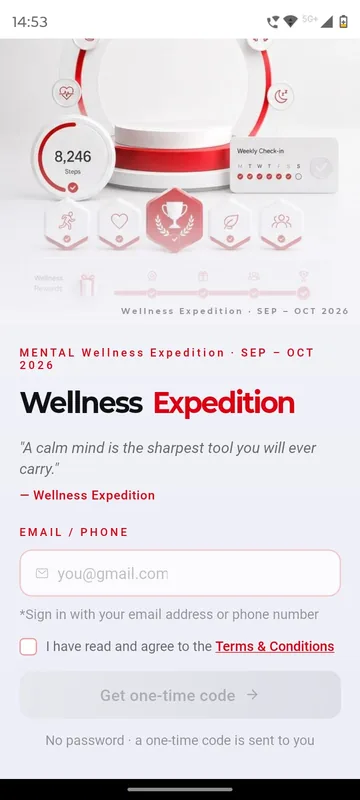
Participants signed in with their email address or phone number, ticked the terms and entered a one-time code, then pressed Begin the Expedition. First-timers added a first name and, if they liked, a photo.
Steps from the phone, counted fairly
On first arrival at Home, participants tapped Connect and allowed the app to read steps from Apple Health on iPhone or Health Connect on Android. Only automatically recorded steps counted; anything typed in by hand showed as Manual, not counted, right on the screen. A Sync button sent the latest numbers, and if the organisers paused syncing for maintenance, the app said so and held the steps until it resumed.
Home answers three questions
Home was built to answer, in seconds: am I on pace, has my team met today’s minimum, and how far are we from 90L? It ran top to bottom through a slideshow with the current and best streak; today, total, streak, daily average and best day with an hourly chart; Team Today; the expedition countdown; the team card; the journey bar; the last seven days with Below Pace markers; a pinned Did You Know? update; the Team Chat card; and a LIVE ticker. Team Today showed two bars, steps from 0 to 1L to 2L and members from 0 to 20 to 40, and a plain label: At risk, Eligible or 2L+.
Journey and Rank
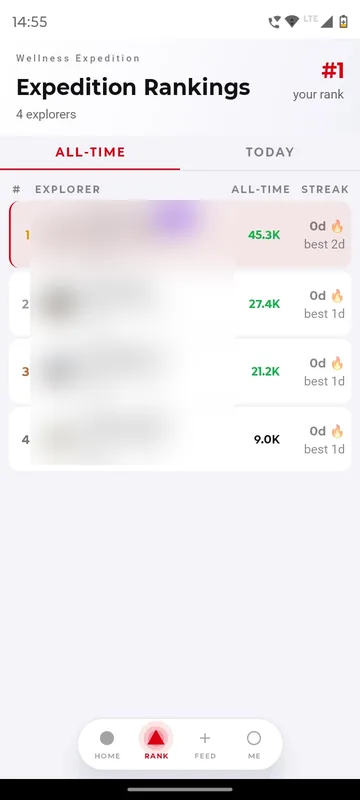
Journey traced one continuous 45-day route to the 90L goal, with four cards: challenge day, team total, team average per day and eligibility. There were no milestone unlocks to game. Rank had Teams, Individuals and Games tabs, all-time or today, with each person’s position shown even outside the top rows. Team rows carried total steps, average per day, active members today and eligibility. A disqualified team showed a clean label with the day and the reason, never a points deduction.
Me: personal pace and badges
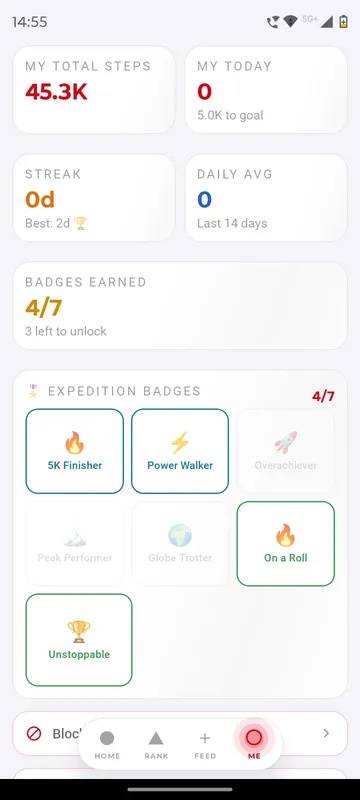
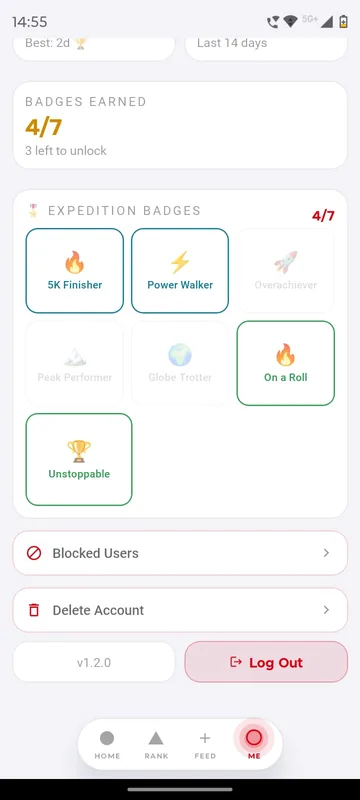
Me held each person’s daily average against 5K, best day, streak, a seven-day breakdown, a performance matrix against the 45-day personal benchmark of 2.25 lakh steps and a full steps history down to the hour. Seven badges, from 5K Finisher and Power Walker to On a Roll and Unstoppable, showed as awarded, in progress or remaining.
Feed, Team Chat and the wellness layer
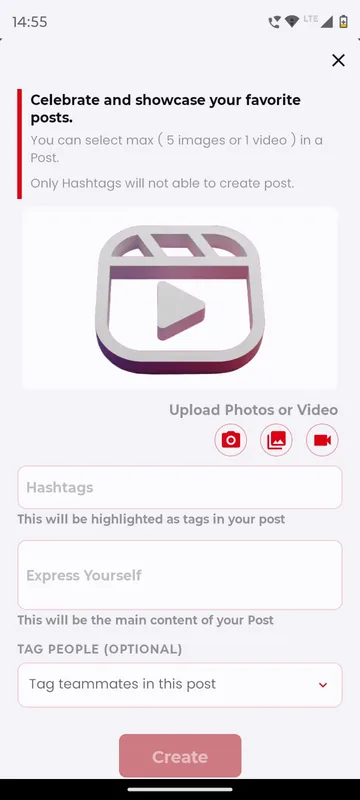
The Wellness Feed took photos and short videos with hashtags and teammate tags. A post could be shared outside the app as a link and switched off again with Stop sharing. Team Chat kept each team of 40 talking. The participant guide added optional wellness activities that the app could verify, a two-minute breathing reset, a five-minute calm session, a gratitude reflection and a wellness quiz, plus quests such as Strong Week and Team Target Day. None of these were ranked: mood, sleep and hydration never appeared on a leaderboard.
How it ran
The participant guide set a simple daily rhythm: open Home in the morning to check pace and Team Today, walk as normal, tap Sync, check that the team has 20 active members and 1L steps, and know by evening whether the day is safe. Pinned updates did the encouraging, for example telling a team how far it had come towards its 2L target that day.
The organisers ran the programme from the event dashboard. They could lock or hide Rank, Journey or Feed, pause syncing, change the pinned updates and ticker, switch Team Chat on or off, manage team rosters and change the slideshow and branding, and the app picked each change up without an update. Owners and Managers could always post in the Feed and switch off any shared link.
Outcomes
- 45 days of team walking, from 1 September to 15 October 2026, on one shared rule book designed for 600 participants in 15 teams of 40.
- Every team’s daily eligibility was visible to its own members as the day went on, with no negative marking anywhere in the scoring.
What we would do again
- Combine a step floor with a minimum number of active members, so the team rule rewards breadth.
- Show manual entries on screen as not counted, instead of quietly dropping them.
- Keep the scoring positive and the wellness activities unranked.
- Give organisers live controls, so the programme can change course without an app release.
What we built
Modules switched on for this app
Related stories
More events on Sociana
HCCB Partners Meet 2026
Hindustan Coca-Cola Beverages
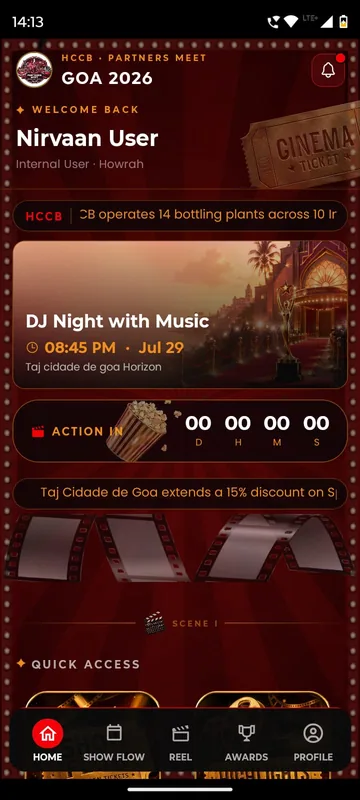
A two-day partners meet built like a film premiere, with travel per guest, awards, games and partner-only content.
Read the story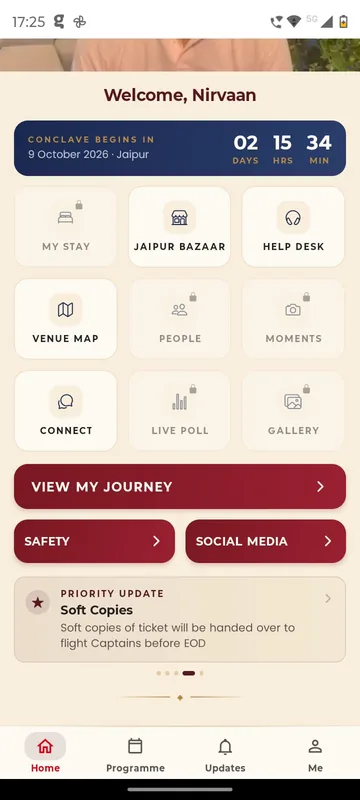
GCOO Conclave 2026
GCOO Conclave
Senior delegates across two Jaipur hotels found their stay, journey and help desk first, before the agenda.
Read the story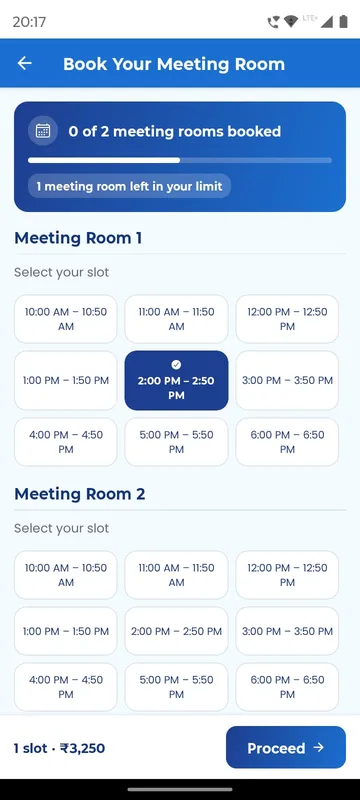
APMI Annual Conference 2026
Association of Portfolio Managers in India · with Pine Tree
Members booked and paid for meeting-room slots inside the conference app, alongside agenda, polls and networking.
Read the storyPlanning something similar?
Tell us about your wellness challenge. We will show you the closest apps we have built and how yours would look.