
Customer story · Team offsite
The Jharokha Sangam, Jaipur: A palace-themed offsite app with a team Stepathon, an AR card hunt and medallions
The Jharokha Sangam was a three-day team offsite in Jaipur, 25–27 September 2026. Its Sociana app turned walking into a team journey along a five-stop Palace Walk, hid 50 Jharokha cards for an AR hunt called Lukka-Chippi, themed every puzzle and badge on Rajasthani palaces, and still carried the agenda, travel tickets, documents and an entry QR.
Client: The Jharokha Sangam · Agency: Midas
players ranked at the close
Jharokha cards hidden for the AR hunt
The occasion
The Jharokha Sangam was a three-day team offsite at Anantara, Jaipur, from 25 to 27 September 2026, under the line “People. Perspectives. Possibilities.” The in-app invitation carries the HSBC mark and greets participants as “SSvians”; we built the app for the events agency Midas.
What the organisers needed
The organisers wanted Jaipur itself to shape the offsite: the jharokha windows, the palace courtyards, the bazaars. They also wanted people on their feet for three days. At the same time, the app still had to do the unglamorous jobs of an offsite: tell people where to be, hold their tickets and ID, check them into sessions and get them to the airport on time.
That meant one app with two layers. A themed participation layer, where walking, puzzles and a hunt around the venue all feed one leaderboard. And a practical layer that stays out of the way until someone needs it.
What we built
A palace for a front door
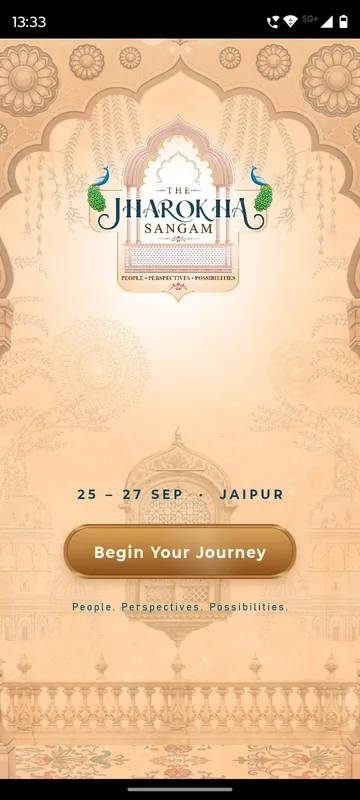
Everything in the app sits inside carved arches on a sandstone background. The splash shows the peacock-arch logo, the dates and a Begin Your Journey button. Participants sign in with the mobile number they gave for the event and a one-time code; there is no email login, so there is only one thing to remember.
Today’s Stepathon and the Palace Walk
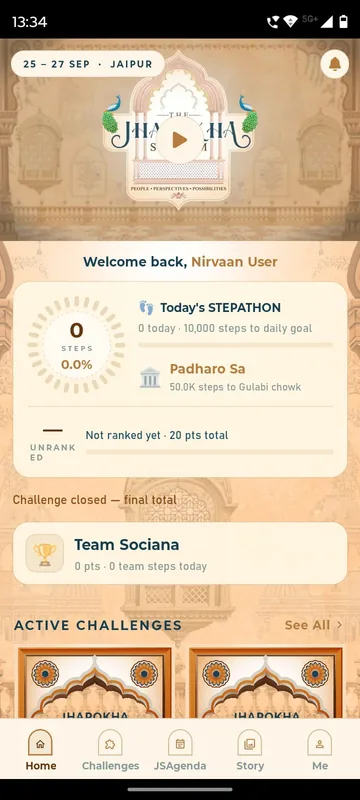
The first card on Home is the step challenge. A ring shows the team’s total against its expedition goal; Today shows the participant’s steps against a 10,000-step daily goal; Huddle shows where the team stands on the Palace Walk. That walk has five stops, from Padharo Sa at the palace gates through Gulabi Chowk, Shahi Aangan and Rajsi Path to Raj Jharokha, the palace window, at 2,00,000 team steps. Steps sync from Apple Health or Health Connect each time Home opens. Steps typed in by hand do not count.
The Walk, Palace Journey and medallions
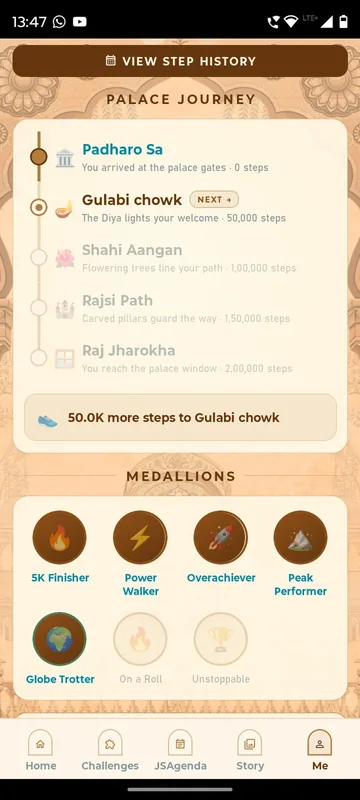
On the Me tab, The Walk breaks progress into four tiles: my steps today, my total with current and best streak, my team’s steps today with each member’s share, and the team total. Palace Journey shows which stops the team has reached and how far the next one is. Medallions such as 5K Finisher, Power Walker, Overachiever and Globe Trotter show when they were won; locked ones show what it takes and how close you are.
Lukka-Chippi, a hunt for 50 cards
Lukka-Chippi is hide-and-seek. Fifty printed Jharokha cards were placed around the venue. Participants open the in-app camera, hold one card inside the frame and get its points when the app recognises it. Each card scores once, so scanning a card you already have earns nothing, and anything that is not part of the hunt reads “Not a game card”. Your Hunt shows cards found, cards left and points.
Jharokha puzzles with attempt limits
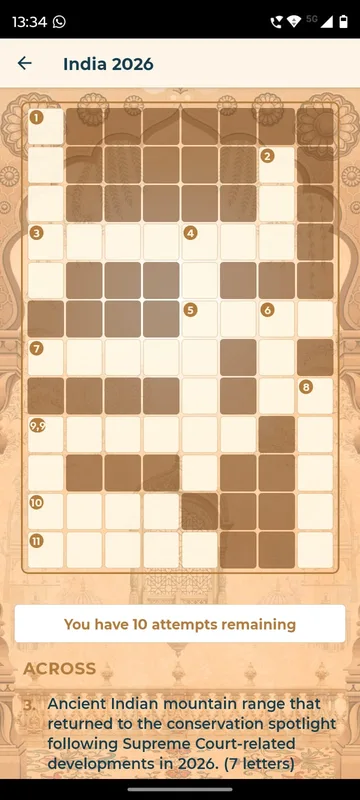
Three themed games sit in arch-shaped tiles: Jharokha Crossword, Jharokha Riddles and Jharokha Puzzle, a timed 16-piece jigsaw of Amber Fort with Peek at the picture and Shuffle. Each opens with a rules card showing the points on offer and the number of attempts. When attempts run out, the game says so, which stops anyone grinding the same puzzle for points.
Sangam Ke Sikandar
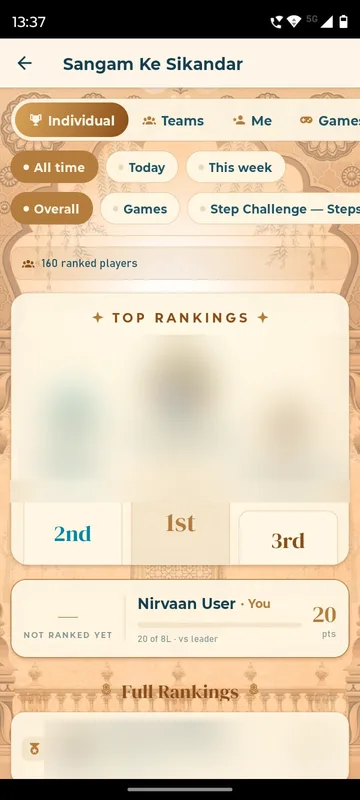
Steps, games and polls all add to one leaderboard, Sangam Ke Sikandar. It has Individual, Teams, Me and Games tabs, can be filtered by all time, today or this week, and pins your own rank at the top. The Me tab explains exactly how points are earned. By the close, 160 players were ranked on it.
Selfies, stories and the city
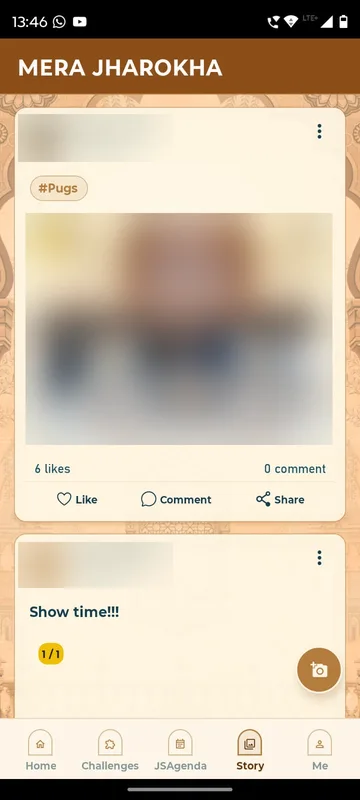
Mai Aur My Selfie is a selfie booth with event frames; pictures can be saved and downloaded. Mera Jharokha is the story wall, where people post up to five photos or a video with hashtags, and like, comment and share. Jaipurnama is a short guide to the city, from Galtaji Temple to the Sun Temple, and My Jaipur Bazaar lists the bazaar stalls. My Chitra Gallery opened the event album once photos were ready.
JSAgenda and the practical layer
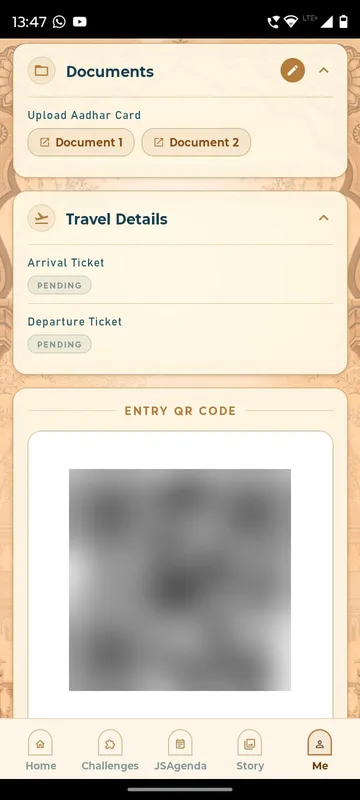
JSAgenda shows the invitation and the day-by-day schedule as a document inside the app, with a refresh button for the latest version. On Me, Documents holds the ID each person shared, Travel Details holds arrival and departure tickets, and the Entry QR Code is the personal pass for the desk and every session.
Organiser tools on the phone
Owners and managers see three extra items on Me. Trigger Notifications sends or schedules push alerts to everyone or to chosen groups. Attendance lists each session with All, Present and Absent filters; scanning an Entry QR confirms “Attendance marked successfully!”, and anyone without a code can be added by email or phone. Admin Live Polls creates a question, switches it active or inactive and visible or hidden, and shows percentages and total votes as they arrive.
How it ran
Before day one, teams, the daily goal and the expedition goal were set, documents and tickets were attached to each person, and the hunt cards went up around the venue. During the three days, Home carried the Stepathon, Pinned Updates and the challenge tiles, games unlocked as the programme allowed, and Sangam Polls ran during sessions. On departure day, a scheduled push notice set out the check-out and lobby timings. When the event closed, the Stepathon card switched to its final total.
Outcomes
By the close, 160 players were ranked on Sangam Ke Sikandar, with points from steps, games and polls on one board. The hunt ran with 50 cards. The leader’s total combined both halves of the programme: points from the step challenge and points from games.
What we would do again
Let one local theme name everything, from the hunt to the selfie booth, so the app feels like part of the event rather than a utility. Score each card once and limit attempts, so points reward exploring and showing up. Count only automatic steps. And keep tickets, documents and the entry pass one tap away on Me, so the practical layer is there the moment someone needs it.
What we built
Modules switched on for this app
Related stories
More events on Sociana
Tiger15
Tiger Analytics · with Quotient Activations
Employees scanned their way around culture booths, earned points on a live league and redeemed rewards at the counter.
Read the story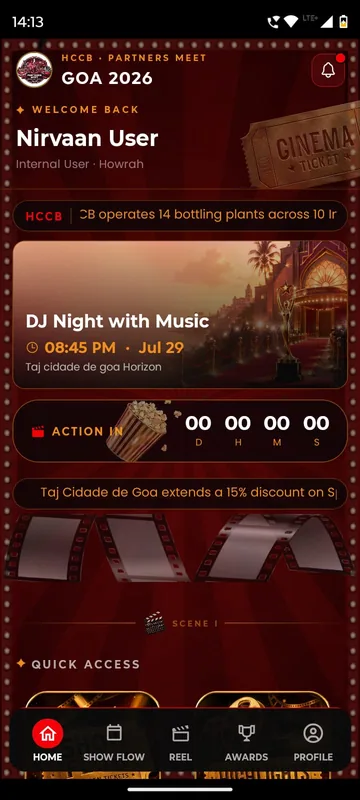
HCCB Partners Meet 2026
Hindustan Coca-Cola Beverages
A two-day partners meet built like a film premiere, with travel per guest, awards, games and partner-only content.
Read the story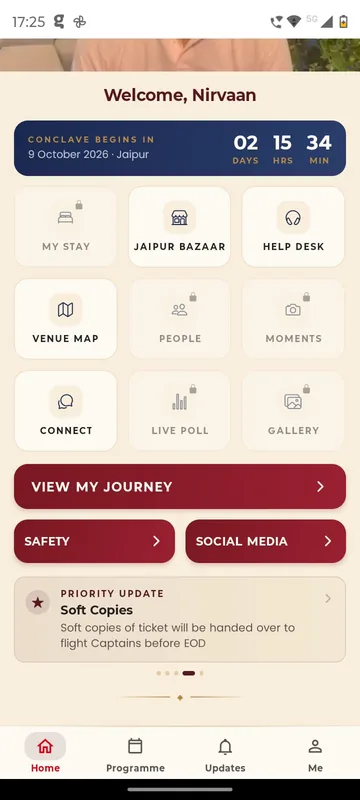
GCOO Conclave 2026
GCOO Conclave
Senior delegates across two Jaipur hotels found their stay, journey and help desk first, before the agenda.
Read the storyPlanning something similar?
Tell us about your team offsite. We will show you the closest apps we have built and how yours would look.