
Customer story · Trade meet-up & exhibition
BWF Meet Up 4.0: An exhibition app where every stall is a lead desk
Bengaluru Wedding Fraternity Meet Up 4.0 put the city's wedding trade, from planners and decorators to venues and caterers, in one room at Palace Grounds on 18 July 2026. Its Sociana app turned every stall into a lead desk run from the exhibitor's phone, kept delegate networking for paid attendees, and carried tickets, invoices and a shareable I Am Attending poster.
Client: Bengaluru Wedding Fraternity
On Saturday 18 July 2026 the Bengaluru wedding trade met at The Grand Castle, Palace Grounds, for the fourth edition of its fraternity meet-up. Planners, decorators, photographers, venues, caterers and the brands that sell to them came for a day of keynotes, masterclasses and performances, and to do business with one another.
What the client needed
A fraternity meet-up is an exhibition and a networking event at the same time, and the two audiences want different things. Visitors want to know what is on, find the stalls worth visiting and meet people in their own corner of the trade. Exhibitors want names, not footfall: a list of the people who stopped at the stall, with a note about each.
The Bengaluru Wedding Fraternity also had a commercial rule to respect. Registration and payment ran on a web page, so the app had to be open enough to install and explore before the event, while keeping the valuable part, contact with other delegates, for people who had paid. On top of that came the ordinary needs of a full-day programme: an agenda, partner and speaker pages, an entry pass, and a way for the committee to check people in and send announcements.
What we built
Sign-in that sorts the room by trade
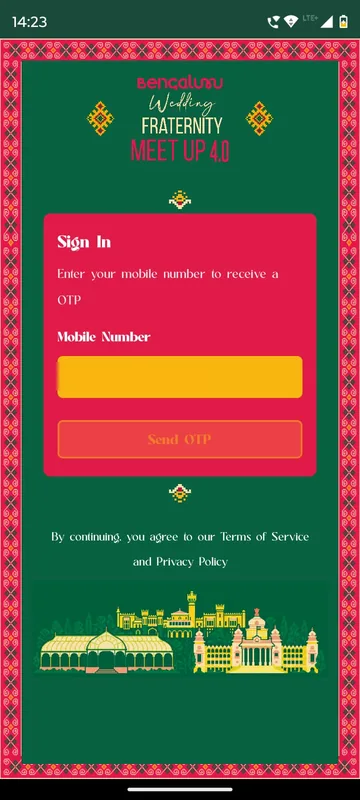
Attendees sign in with a mobile number and a one-time password by SMS. On the first sign-in the same screen asks for a name and up to two business categories from a list of 17, from wedding decor designers and planners to venues and hotels, catering, bridal fashion, rental services and destination wedding services. Those two tags travel with the person everywhere in the app, which is what later makes the delegate directory searchable by trade.
A home screen that opens the right doors
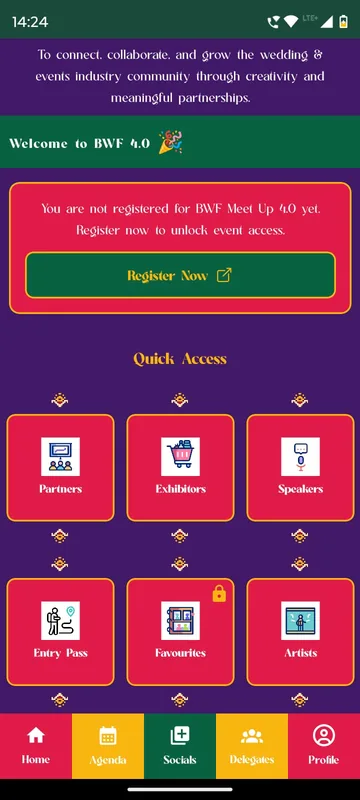
Home carries the event logo, a sliding banner, a pinned announcement and a Quick Access grid: Partners, Exhibitors, My Stall, Speakers, Entry Pass, Favourites, Artists and Committee Members. Anyone who has not yet completed registration sees a banner that opens the web registration page; once they have paid, the banner disappears and networking unlocks. A profile-photo prompt turns the attendee’s photo into a personalised I Am Attending poster they can save and post on social media before the day.
An exhibitor directory visitors can act on
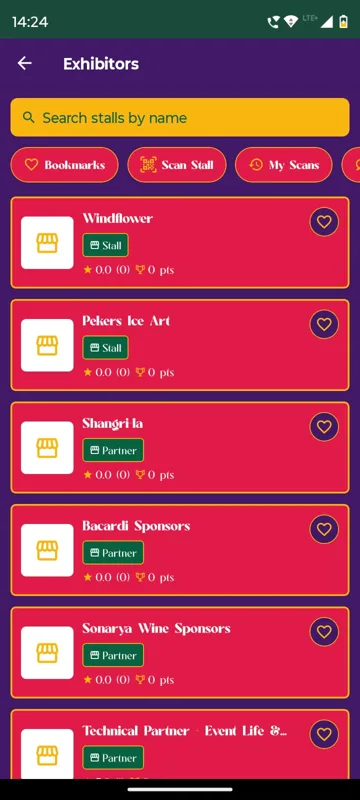
The Exhibitors tile lists every stall and partner. Visitors search by name, bookmark stalls with a heart, and scan the QR code on a stall to open its page and record the visit; My Scans keeps the history and My Chats keeps every conversation with a stall. Each stall page has a chat button, brochures and catalogues under Resources, star reviews, contact details with tap-to-call, and a gallery of the exhibitor’s work.
My Stall: a lead desk on the exhibitor’s phone
Exhibitors get a tile nobody else sees. My Stall shows live counts of stall scans, unique visitors, leads captured and unique leads. Scan a Visitor reads the QR code on a visitor’s Profile and lets the stall add a note about them; the Scan Log keeps the list, and Stall Chats answers visitors who messaged. The stall lead adds team members by email or mobile, makes someone a manager, and edits the stall page itself: name, tagline, logo, banner, photos, videos and documents.
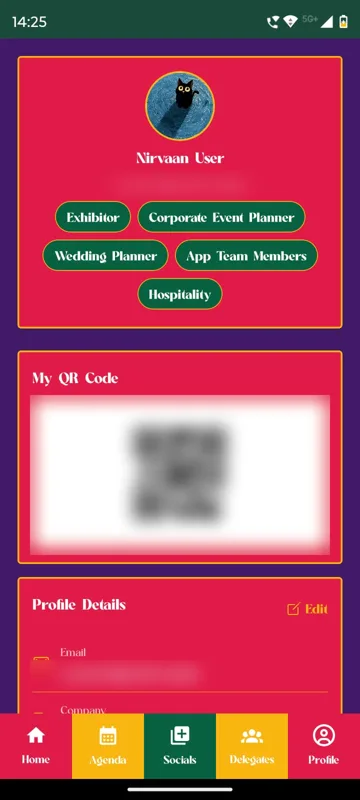
Delegate networking with consent built in
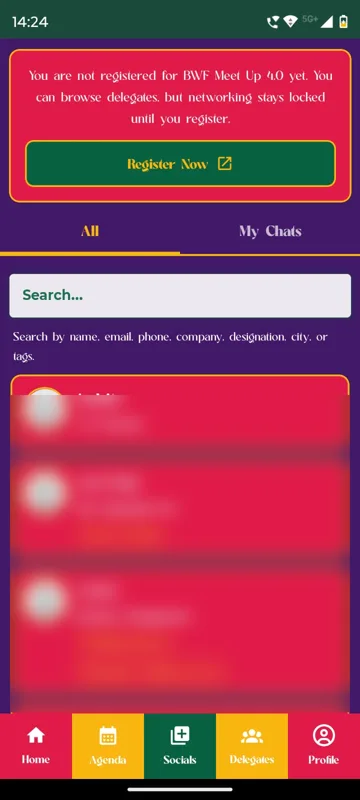
The Delegates tab lists everyone attending, searchable by name, company, designation, city or category tag. Opening a profile shows company, designation, city and interests. The first message is a chat request; the conversation opens only when the other person accepts. Visitors who have not completed registration can browse the list, but chatting stays locked.
Agenda as the event’s own artwork
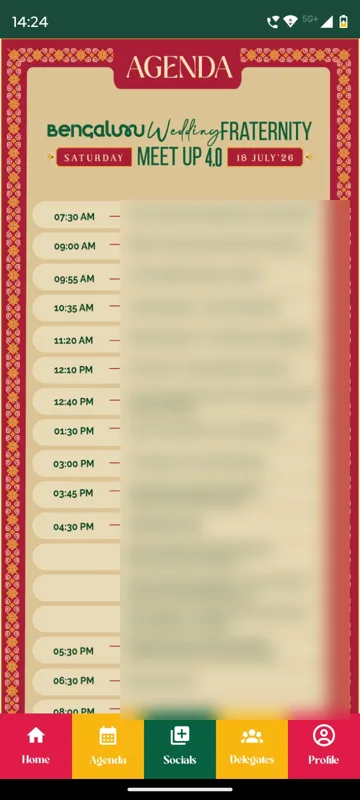
The agenda tab publishes the day’s programme as poster images in the meet-up’s festive style, opened full screen with pinch-to-zoom. It meant the committee’s designed schedule appeared in the app exactly as printed.
Socials, tickets and a profile that remembers
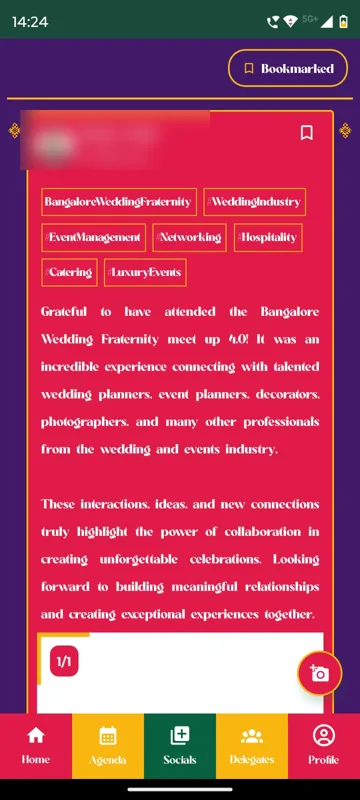
Socials is the meet-up’s own feed: posts with up to five photos or one video, hashtags shown as tags, likes, comments, bookmarks and sharing to WhatsApp or Instagram. Profile holds My Booked Tickets with a reference ID, the amount paid (or FREE) and a downloadable invoice PDF, plus My Favourite Exhibitors, My Notes on exhibitors and My Meeting Schedule.
How it ran on the day
The programme opened at 07:30 with networking and registration over breakfast, moved through a lamp lighting and welcome address, a keynote, talks on growing beyond Bengaluru and on celebrity weddings, a fireside chat and a South Indian sit-down lunch, then afternoon masterclasses on floral art, the photography business and zero-waste events. The evening closed with a Baraat Experience and a concert and food festival.
At the gate, attendees opened Entry Pass. On their Profile, Owners and Managers had two extra buttons: Attendance, where they picked a category, filtered All, Present and Absent and checked people in by QR scan or by typing an email or phone number; and Trigger Notifications, where they wrote a message, set a time and sent it to everyone or to selected groups. On the floor, exhibitors scanned visitors into leads while visitors scanned stalls, bookmarked them and wrote notes for later.
What came out of it
What the app left behind is concrete. Each exhibitor kept their own Scan Log with notes, their stall chats and their visitor counts. Each visitor kept favourites, notes and a meeting schedule for follow-up, and tickets and invoices stayed downloadable. The feed carried attendees’ own posts afterwards, thanking the meet-up for the planners, decorators and photographers they had met.
What we would do again
- Ask for the trade at sign-in. Two category tags per person made a crowded directory useful.
- Leave payment on the web and unlock networking in the app once it is done. Nobody is turned away at install, and paid access keeps its value.
- Give each exhibitor their own team, scan log and notes, so the leads belong to the stall that earned them.
- Publish the agenda as the organisers’ own artwork when the design matters as much as the times.
What we built
Modules switched on for this app
Related stories
More events on Sociana
HCCB Partners Meet 2026
Hindustan Coca-Cola Beverages
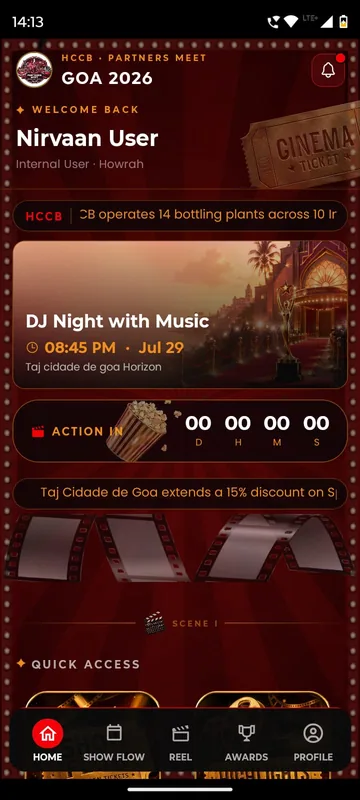
A two-day partners meet built like a film premiere, with travel per guest, awards, games and partner-only content.
Read the story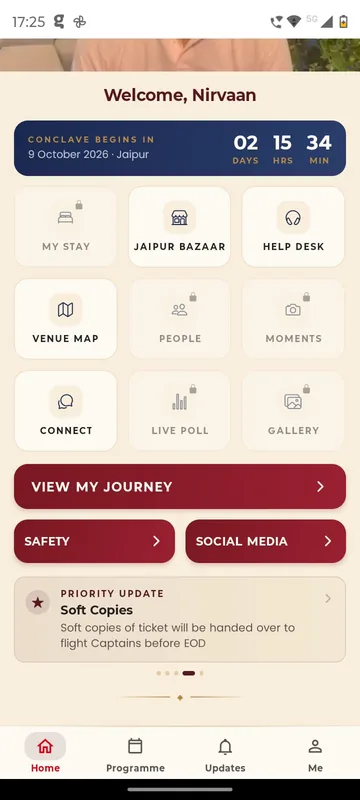
GCOO Conclave 2026
GCOO Conclave
Senior delegates across two Jaipur hotels found their stay, journey and help desk first, before the agenda.
Read the story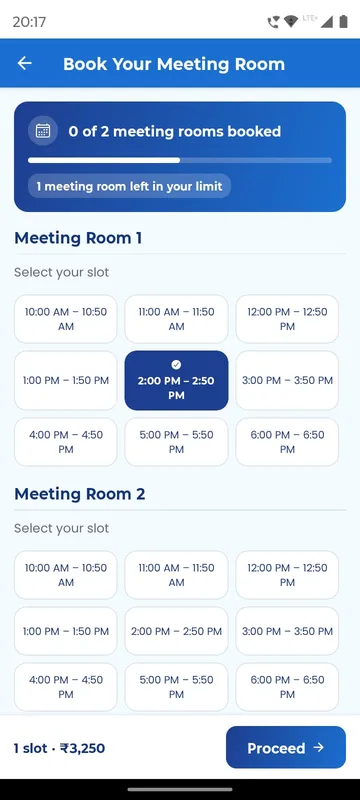
APMI Annual Conference 2026
Association of Portfolio Managers in India · with Pine Tree
Members booked and paid for meeting-room slots inside the conference app, alongside agenda, polls and networking.
Read the storyPlanning something similar?
Tell us about your trade meet-up and exhibition. We will show you the closest apps we have built and how yours would look.