
Customer story · Employee programme
Integrity Champ: Carlsberg India's year-round ambassador programme, run from a phone
Integrity Champ is the app Carlsberg India uses to run its ambassador programme all year. Ambassadors log activity against defined contests each quarter, managers approve it from their phones, approved work earns points and a place on quarterly and annual leaderboards, and points are spent in a rewards corner.
Client: Carlsberg India
The occasion
Carlsberg India runs an ambassador programme all year. Its ambassadors log their work, earn points and redeem rewards in Integrity Champ, an app we built and run for them on Sociana.
What Carlsberg needed
Most event apps go quiet when the event ends. This one had to work all year, for employees who act as the company’s ambassadors. The brief came down to five things:
- A steady way to report activity. Each piece of work logged against a defined contest, with a date, a place, a description and proof attached.
- A fair count. Points set per contest, a cap on how many submissions count each quarter, and a manager’s approval before anything scores.
- Recognition people can see. A leaderboard by quarter and by year, and points that can be spent.
- Admin that fits in a pocket. The people running the programme had to review and approve from their phones.
- Confidentiality from the first screen. Users agree to the company’s code of conduct and privacy policy before they get in, and content stays inside the company.
What we built
A login that sets the rules first
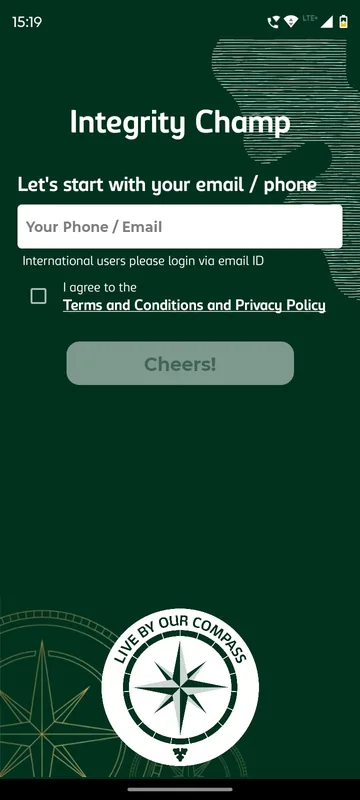
One field for a mobile number or email, then a one-time code. The Cheers! button only wakes up once the terms box is ticked, and the terms pop-up links the company’s code of conduct and privacy policy. First-time users add their name and office location. Colleagues outside India are told on the login screen to sign in with email.
One app, several programme occasions
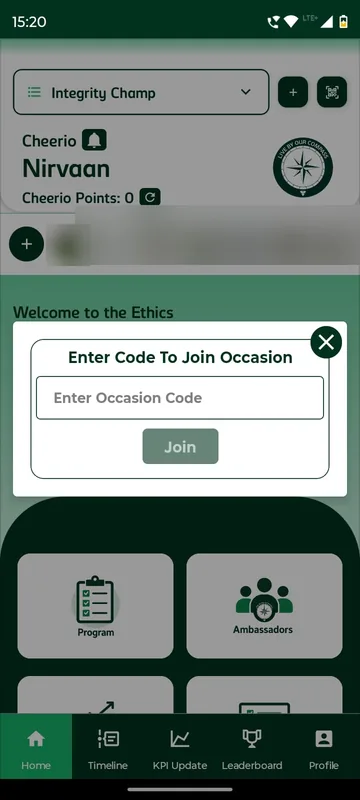
Integrity Champ is a multi-occasion app. A programme, event or campaign is an occasion, and the drop-down at the top switches between them. People join with a code or by scanning a QR. Until someone joins, the Timeline, KPI Update and Leaderboard tabs stay hidden, so nobody lands on an empty scoreboard.
Home: the programme at a glance
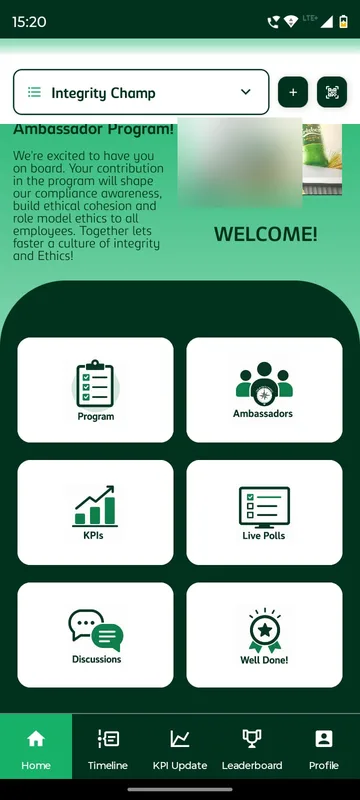
The header shows the occasion logo, the person’s points and the notification bell. Below it sit Moments (short videos and photos), welcome videos from leaders, and six cards: Program, Ambassadors, KPIs, Live Polls, Discussions and Well Done. Organisers can lock a card until its moment comes, or hide it.
KPI Update: submit, then follow it through
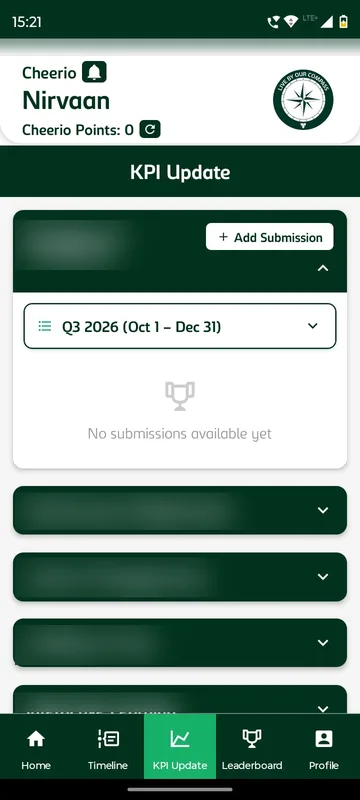
This is the core loop. An ambassador picks the quarter, opens a tournament and taps Add Submission. The form asks for the contest, the date, the location and a short description, with photos or files attached. Every entry then reads Awaiting Approval, Approved (points added) or Rejected, and opening it shows the score, attachments and review date. Approved work can be sent to the Timeline with Share on Timeline.
Contest rules and approvals, on the organiser’s phone
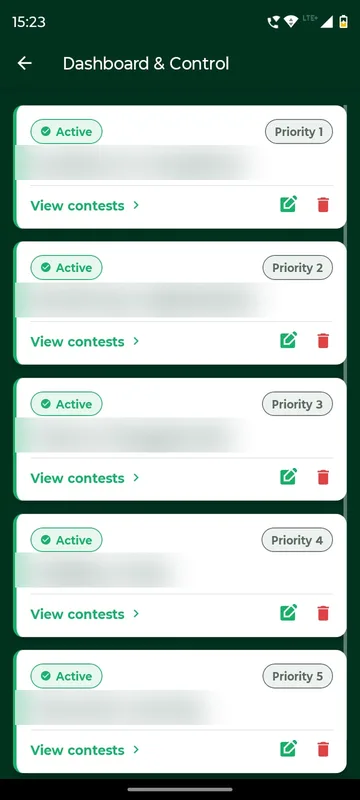
Owners and Managers get Admin Settings on their profile. Anyone else who reaches an admin page is told they are not authorised. Dashboard & Control works in three levels: tournaments, contests, submissions. A contest carries its points per submission, a maximum per quarter, and switches for approval, large-scale impact, daily tracking and group gating. The Drafts tab is the review queue, with Approve and Reject on each entry. Managers can also add a submission on a participant’s behalf.
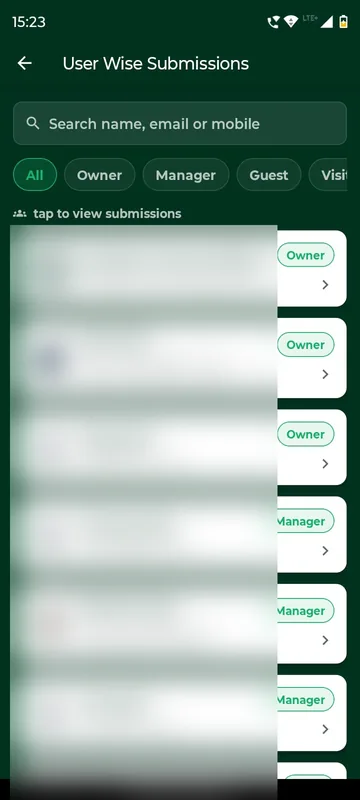
User Wise Submissions finds anyone by name, email or mobile and filters by group. Timeline Dashboard filters posts by hashtag, edits or removes them and moderates comments. Trigger Notification schedules pushes for chosen groups, and Live Polls creates polls with live percentages.
Leaderboard by quarter and by year
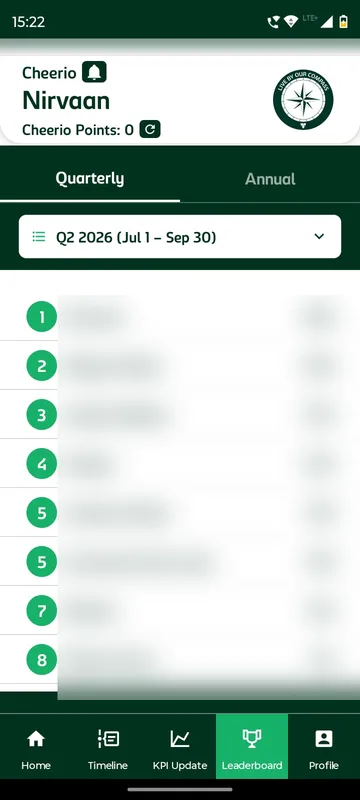
The leaderboard has Quarterly and Annual tabs and a quarter picker, and the viewer’s own row is marked You. A new quarter starts a fresh race, and earlier quarters stay readable.
Points and rewards
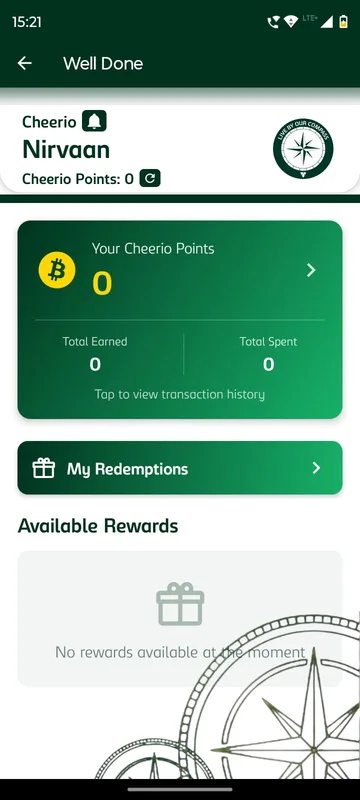
Well Done is the rewards corner. It shows the balance with total earned and total spent, a filterable transaction history, My Redemptions and the rewards on offer with the points each needs. Some rewards arrive as scratch cards.
Timeline, polls and discussions
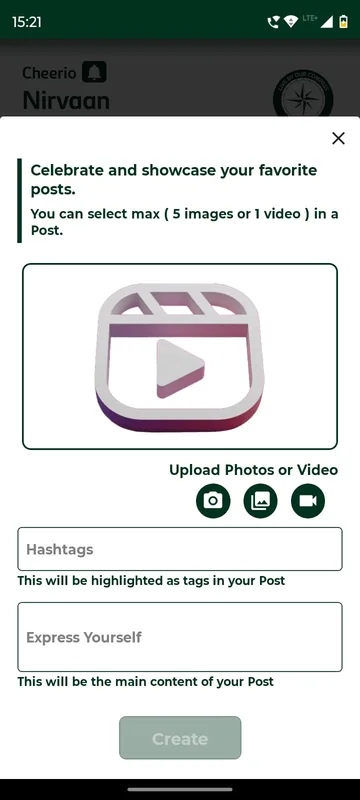
The Timeline gives the cohort a shared feed, and hashtags make posts easy to find later. Discussions is a forum with tagging. Anyone can quietly block a colleague’s posts, comments or messages within the occasion. Live polls collect quick answers from the whole cohort.
How it ran
Each programme period is set up as a tournament, its contests carry the point rules and caps for the quarter, and named managers work the review queue. A new cycle opens with a welcome notification, and scheduled notices keep the cohort in step through the quarter. Ambassadors submit, managers approve from their phones, and the leaderboards and Timeline update as work is approved.
What we would do again
- Approvals on the phone. A programme that runs between events stalls the moment review needs a laptop.
- Caps and approval set per contest. They make the count fair without anyone policing it by hand.
- Terms at the door. Confidentiality is agreed before anyone sees programme content.
- Email for colleagues abroad. A one-line instruction on the login screen, not a support ticket.
What we built
Modules switched on for this app
Related stories
More events on Sociana
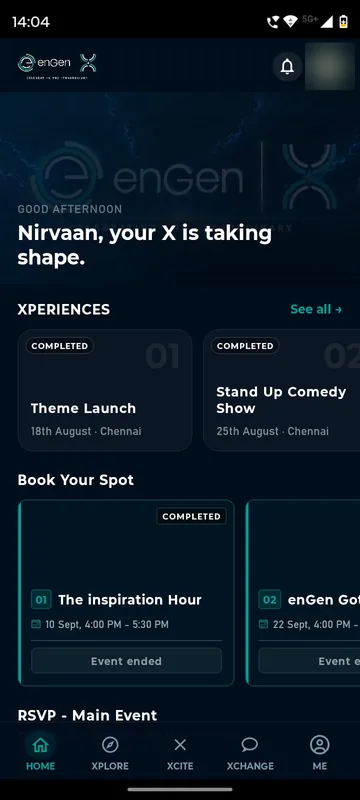
enGen X 2026
enGen · with Aura
Six weeks, ten experiences per city: AI avatars, bookings with live capacity, and one QR for entry, exit and merchandise.
Read the story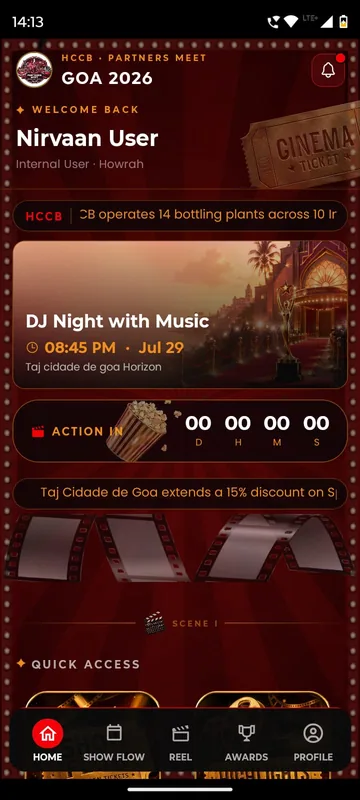
HCCB Partners Meet 2026
Hindustan Coca-Cola Beverages
A two-day partners meet built like a film premiere, with travel per guest, awards, games and partner-only content.
Read the story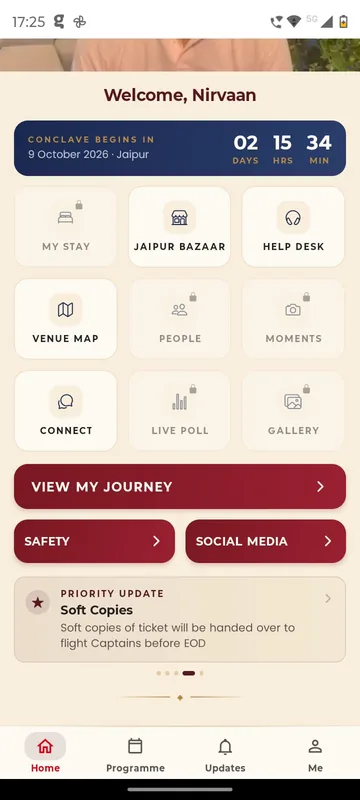
GCOO Conclave 2026
GCOO Conclave
Senior delegates across two Jaipur hotels found their stay, journey and help desk first, before the agenda.
Read the storyPlanning something similar?
Tell us about your employee programme. We will show you the closest apps we have built and how yours would look.