
Customer story · Annual conference
Lakshya 26: A focused companion for the Zydus Wellness annual conference
Lakshya 26 was Zydus Wellness' Annual Conference 26, opening on Friday 16 January 2026 with a strategic plenary, the 2026 theme unveil and channel-wise breakouts. Its Sociana app kept the essentials close: email sign-in, the attendee's room number on Home, a day-wise agenda, a quiz switched on live from the stage, feedback, a leaderboard and the conference's memories.
Client: Zydus Wellness
Lakshya 26 was Zydus Wellness’ Annual Conference 26, billed in the app as “The Biggest Event of the Year”. It opened on Friday 16 January 2026 with a strategic plenary, the unveiling of the company’s 2026 theme and an afternoon of channel-wise breakouts, and ran across two days.
What the client needed
An annual conference has a clear job: bring the company’s teams into one hall, align it on the year ahead, and send people home energised. The app’s job was to stay out of the way of that and still be useful at every step. Attendees needed to sign in without fuss, know where to be and when, find their hotel room, reach a person when something went wrong and keep the moments afterwards. The organisers needed a way to run a quiz and polls from the stage, rank participation, and send announcements to everyone or to particular groups.
The tone mattered too. The app wears Zydus Wellness’ teal brand, with the Lakshya identity on the agenda, so it feels like part of the conference rather than a generic tool.
What we built
Email sign-in, no passwords
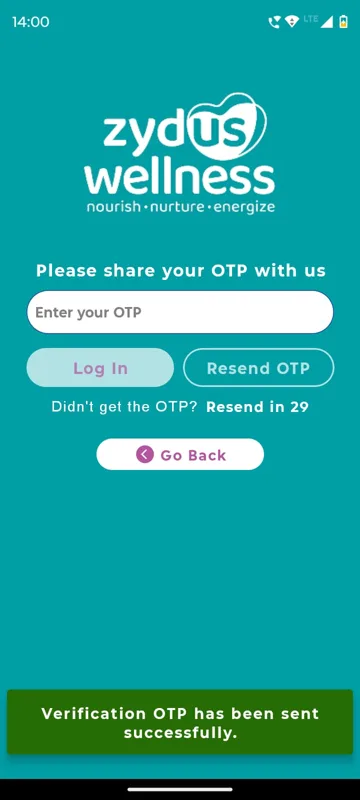
Attendees open the app on a teal splash with the Zydus Wellness wordmark and tap Enter to Login. They type the email address the event team holds for them, tap Proceed and enter the one-time password from their inbox; first-time users add their full name on the same screen. A 30-second timer allows a fresh code, and the help pages remind people to check spam.
A Home screen that greets you with your room
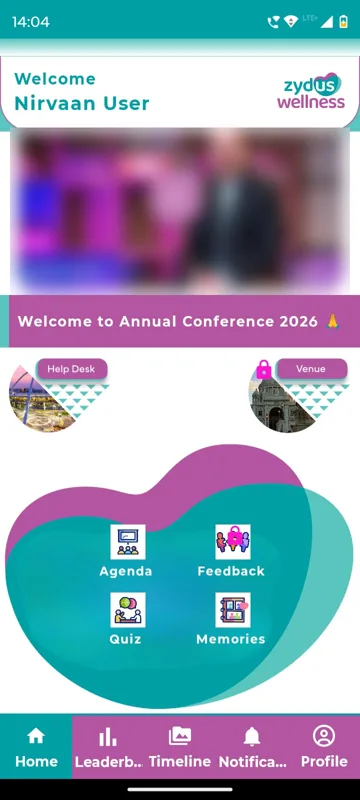
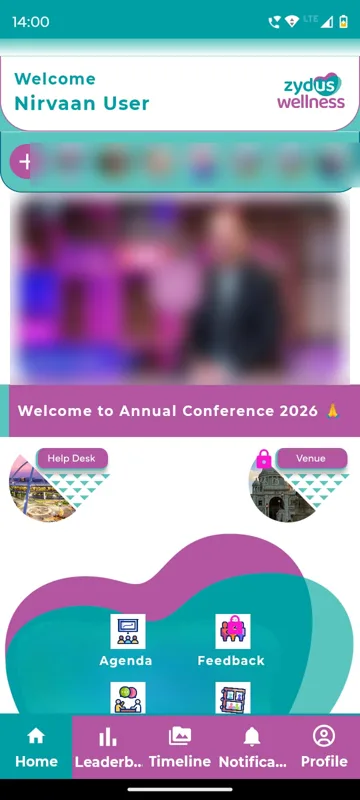
The welcome header shows the attendee’s name and, once allotted, their hotel room number, so delegates could check it before reaching the hotel desk. Below it run a strip of short event reels, a banner or welcome video, a pinned notice, and three quick buttons: FAQs, a Help Desk with call, WhatsApp and email for each contact, and the Venue layout for finding halls, rooms and counters.
Six tiles for the whole conference
The feature tiles open the rest of the app: Agenda, Feedback, Quiz, Memories, Engagement and R & R, the conference’s rules and regulations. A tile with a lock is not open yet; the organisers unlocked each one when its moment in the programme arrived.
An agenda in the conference’s own artwork
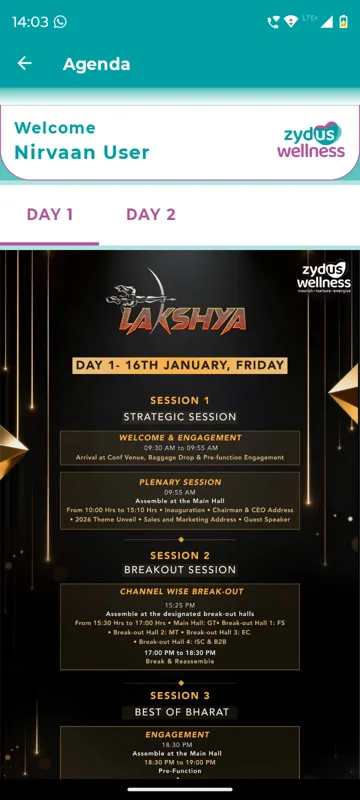
The Agenda shows Day 1 and Day 2 tabs, each with the Lakshya poster for that day. Day 1 began with arrival, baggage drop and pre-function engagement at 09:30, a plenary from 10:00 with the inauguration, the Chairman and CEO address, the 2026 theme unveil, a sales and marketing address and a guest speaker, then channel-wise breakouts across the main hall and four breakout halls, and an evening session called Best of Bharat.
A quiz run from the stage
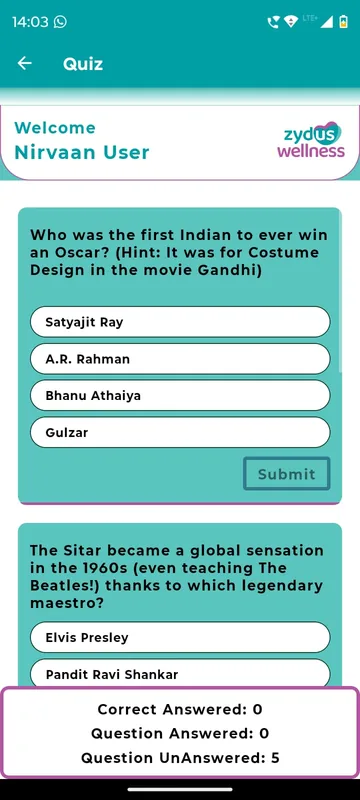
Managers created questions in Trigger Quiz: a question, as many options as needed, the correct answer marked, and a Visible switch. Questions were written in advance with visibility off and switched on during the session. Attendees answered each question once; closed questions stayed on screen but could not be answered, and a tally showed how many they had got right.
Engagement, polls and a leaderboard
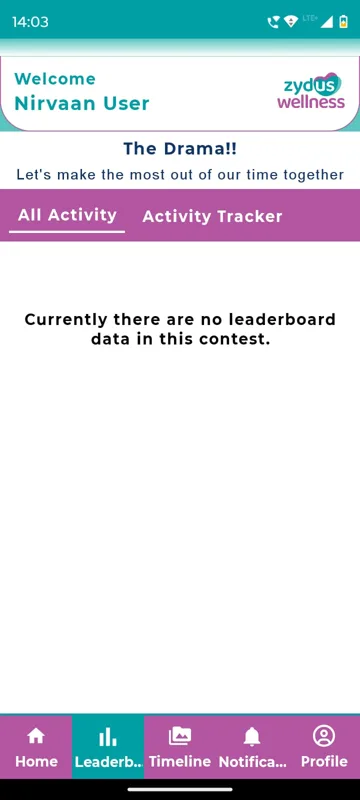
Engagement lists the conference’s activities and games. Each opens with its description and rules and three buttons: Leaderboard, Message Wall for posting and chatting, and Live Polls for voting on questions asked in the session. The Leaderboard tab ranks participants contest by contest, with All Activity for the overall picture, Activity Tracker for individual contests, and each attendee’s own rank.
Timeline, Memories and a pass in every pocket
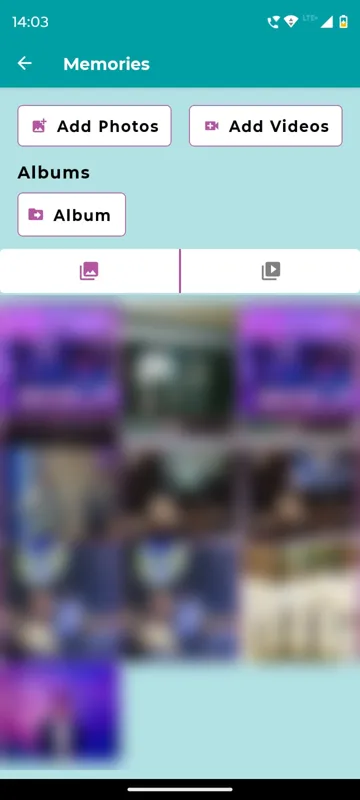
The Timeline is the conference’s social wall: posts with up to five images or one video, hashtags such as #Lakshya26, likes, comments and sharing to WhatsApp. Memories holds the albums of photos and videos. Profile carries each attendee’s personal QR code, their digital pass at registration, entry gates and counters.
How it ran on the day
The conversation started before the conference. Welcome messages arrived in the Notification tab, along with a teaser for the quiz: “Can you guess what the Indus Valley gave us?” On the day, the Notification tab stayed the place for schedule changes, new quiz questions and announcements, with links, phone numbers and emails tappable inside each message.
Managers and Owners ran the event from their Profile. Trigger Notifications let them write an announcement, set the time and send it to everyone or to selected groups; Trigger Quiz let them bring questions live as the session reached them. They could post reels to the Home strip at any time. Features opened on cue: the Feedback form, for example, showed “not active yet” until the organisers published it, and the leaderboard could be paused, showing a lock on its tab.
What came out of it
What the conference got was one place for everything an attendee needed across two days: their room, the day’s programme, a person to call, the quiz, the polls, the leaderboard and, afterwards, the photos and posts. The app stayed small on purpose, and it carried the Zydus Wellness and Lakshya identity from the splash to the agenda.
What we would do again
- Write quiz questions in advance with visibility off and switch them on from the stage. It keeps the pace of the session in the presenter’s hands.
- Put the room number in the greeting. It is the first thing a travelling delegate looks for.
- Keep one help screen with call, WhatsApp and email, so nobody has to search for a phone number.
- Open features on cue with locks, so the app follows the running order instead of showing everything on day one.
What we built
Modules switched on for this app
Related stories
More events on Sociana
Unstoppable NAMI 2026
NAM India · with Mintlabs
Three days at Aamby Valley with ID collection, a resort guide, the Nippon Quiz and live polls the leadership could trigger.
Read the story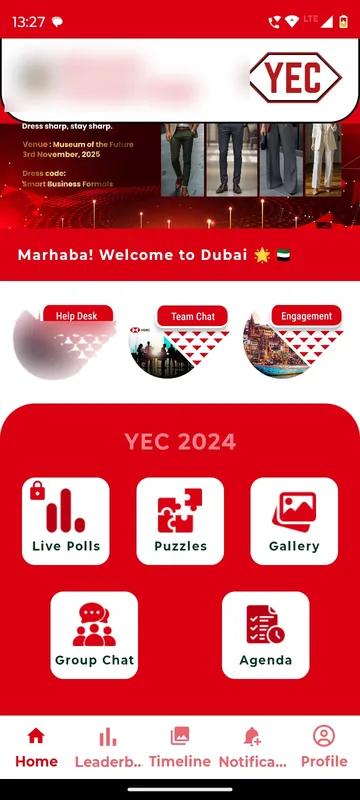
YEC 2024
HSBC
An incentive trip to Dubai that started in the app eight weeks early, with team challenges, steps and travel documents.
Read the story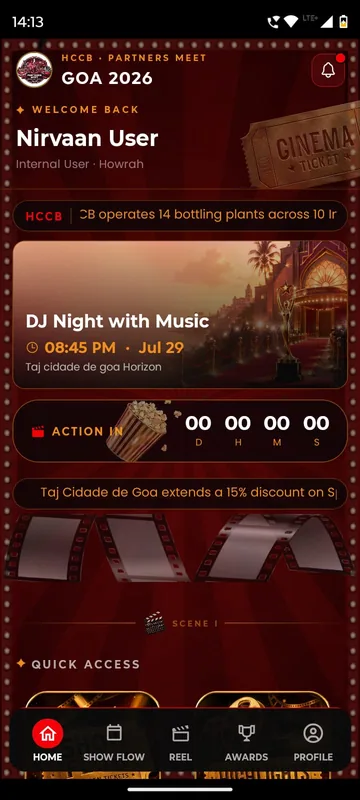
HCCB Partners Meet 2026
Hindustan Coca-Cola Beverages
A two-day partners meet built like a film premiere, with travel per guest, awards, games and partner-only content.
Read the storyPlanning something similar?
Tell us about your annual conference. We will show you the closest apps we have built and how yours would look.