
Sociana Play · By group size
How to run tambola for 500 people with an LED wall
Sociana Play runs one tambola game for up to 500 players, each on their own phone: they scan a QR code from the LED wall and get a ticket, no download. A game takes 25 to 45 minutes, and planners can rehearse on the free 2-hour hosted trial at play.sociana.in/try. Last updated 2 Nov 2026. The LED wall shows the large 1 to 90 board and the current number, with an optional voice caller; the server checks every claim, which is what makes a hall of hundreds manageable without paper tickets or a stage full of volunteers.
Written for planners and agencies choosing for a client: what to run, when, for how many. 5 games, each playable in your browser from this page.
The picks, ranked
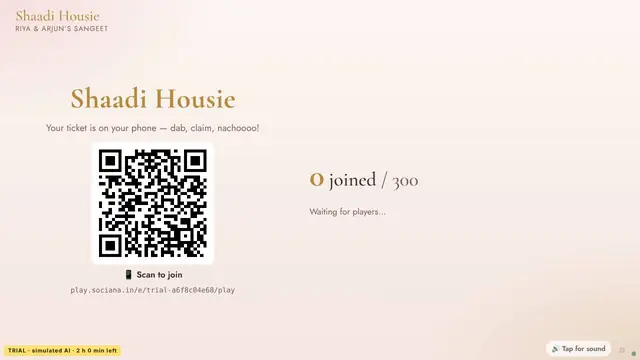
AI Tambola (Housie) · Sangeet Housie: Raj & Simran
Built for the cap of 500 players: a phone ticket each, a big 1 to 90 board on the LED wall, and server-checked claims for Early Five, lines, Four Corners and Full House.
- When: The main slot of a large gathering.
- How many: 10+ guests, up to 500
- How long: 25–45 min
- Energy: Calm
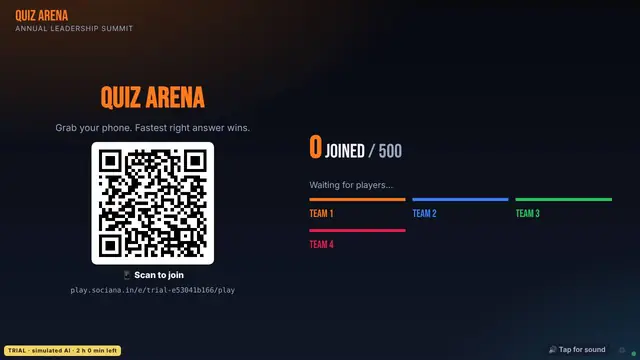
Quiz Arena · AI Quiz Show — industry edition
A whole-hall quiz that scores live on the same wall; useful to warm up the room.
- When: Before tambola.
- How many: 6+ guests, up to 1,000
- How long: 10–20 min
- Energy: Lively
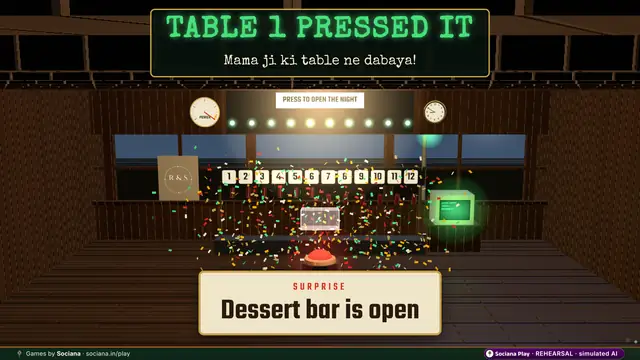
Big Red Button · Wedding — the tables race to fire the surprise
A shared-screen crowd moment that fills dead time between prizes.
- When: Between tambola prize moments.
- How many: 20+ guests, up to 5,000
- How long: 1–3 min
- Energy: High energy
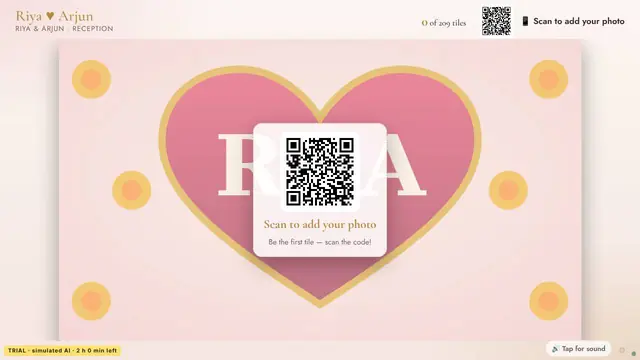
Photo Mosaic · Wedding reception — the couple, made of every guest
Guests send selfies that become one giant picture on the LED wall.
- When: Through the event.
- How many: 30+ guests, up to 5,000
- How long: All event
- Energy: Calm
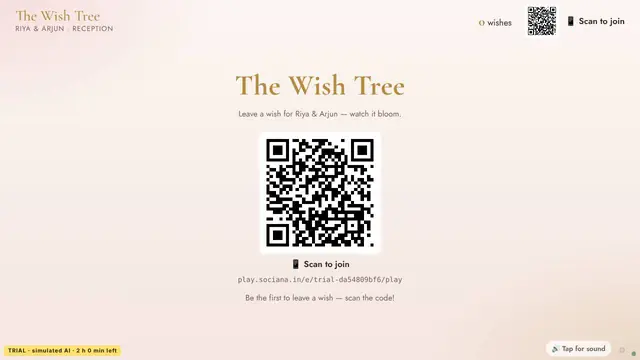
Wish Wall · The Wedding Wish Tree
A wall of guests’ wishes for the close of the event.
- When: Last ten minutes.
- How many: 20+ guests, up to 5,000
- How long: All event
- Energy: Calm
Side by side
| Game | Best moment | How many | How long | Energy | Needs | Try it |
|---|---|---|---|---|---|---|
| AI Tambola (Housie) | The main slot of a large gathering. | 10+ guests, up to 500 | 25–45 min | Calm | Phones, big screen | Free trial |
| Quiz Arena | Before tambola. | 6+ guests, up to 1,000 | 10–20 min | Lively | Phones, big screen | Free trial |
| Big Red Button | Between tambola prize moments. | 20+ guests, up to 5,000 | 1–3 min | High energy | Phones, big screen | Free trial |
| Photo Mosaic | Through the event. | 30+ guests, up to 5,000 | All event | Calm | Phones, big screen, camera | Free trial |
| Wish Wall | Last ten minutes. | 20+ guests, up to 5,000 | All event | Calm | Phones, big screen | Free trial |
How to run it
Test the Wi-Fi or mobile coverage at the venue with a few phones before the event.
Put the QR code on the LED wall and repeat it on screens, tables and stage-side cards.
Open the game a few minutes early so 500 guests can join before the first call.
Keep one host on the console; the server checks claims, so a single person can run the hall.
If you are planning this for a client
For planners and AV teams: the wall shows the board, the host console runs the game, and guests need only a phone with a browser. Plan 25 to 45 minutes.
Questions people ask
What is the player limit?
Up to 500 players in one tambola game.
Do we need a special screen?
An LED wall or any big screen works for the board; guests’ phones hold their own tickets.
Can we test before the event?
Yes, with the free 2-hour hosted trial at play.sociana.in/try.
More lists
Shortlist sent
A person on our team will reply within one working day with setup notes and an itemised quote.
Meanwhile, start a free trial of any game and play it with friends.