
Sociana Play · Stage moment + LED wall
Big Red Button
One button, the whole room, a surprise nobody saw coming.
Free 2-hour trial, no sign-up: you host on this device, friends play on their phones, the big screen runs in any browser. Simulated AI in the trial; real AI at your event.
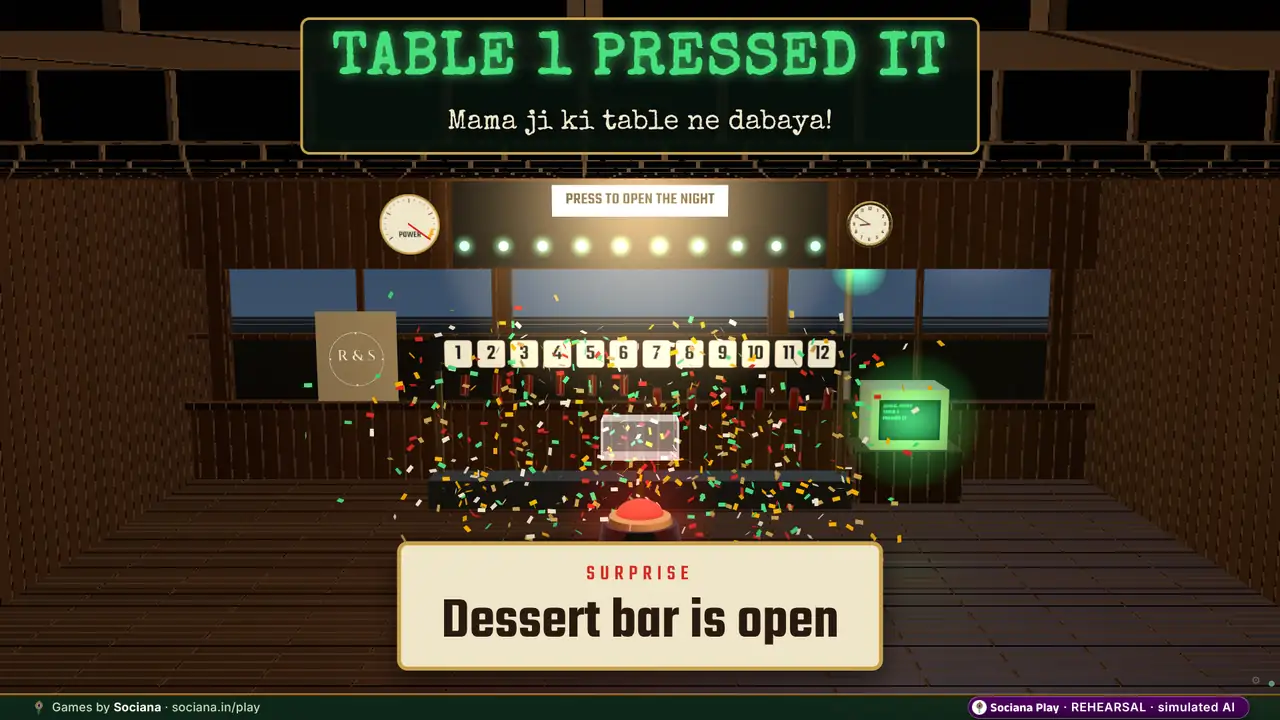
The moment it is built for: Every phone shows one red button. The room presses it together, the glass lifts at 90 percent, and the press that crosses the line fires a surprise and names the table that pushed it.
At a glance
- Best for
- weddings, offsites, conferences, exhibitions, festivals and campus fests
- Group size
- 20+ recommended, up to 5,000+ phones
- How the room plays
- Everyone plays on their own phone at the same time
- Time
- About 1–3 minutes per game
- Energy
- High energy
- You need
- Guests’ phones in the browser (QR, no app), a big screen in any browser and a host console on a phone or laptop
- When it fits
- An offsite or annual day, a sangeet or reception reveal, a product announcement or a campus fest.
- Try it
- Free self-serve trial (2 hours, simulated AI)
How Big Red Button plays
On their phones
Scan the QR, pick a table and press the red button on the phone. Tables press together to fill the meter.
On the host console
Stages the surprise in advance, such as an announcement, a confetti drop or the dessert bar opening, and approves it with AV before it can fire.
On the big screen
A meter that fills with every press, the glass lifting at 90 %, and the press that crosses 100 % firing the surprise and crediting that table out loud.
How it ends: The table that pushes it over fires the surprise. The surprise stays sealed until the press. You can run it up to three times a night.
The full description from the games team
A stage moment for the night’s big surprise. Guests scan a QR, pick their table and press one red button together; presses fill a meter on the big screen, the glass lifts at 90 % and the press that crosses 100 % fires the surprise the host staged in advance (confetti, an announcement, a cue for the AV desk), crediting that table out loud. The surprise stays sealed until the press, and cannot fire until the host has approved it with AV.
Ready-made versions by occasion
Each version comes with its own story, wording and look. Pick one to start a free trial with it already set up.
- Wedding
Wedding — the tables race to fire the surprise
Every table presses; the one that crosses the line is named out loud ("Mama ji ki table ne dabaya") and the dessert bar opens.
On the phones: “Every table presses one red button; the table that crosses the line is named and the surprise fires.”
- Offsite
Offsite — Table 7 pressed it, the announcement drops
The sealed announcement is entered by the founder’s office and stays hidden until the team presses it over the line.
On the phones: “The team presses one red button; the sealed announcement stays hidden until a table crosses the line.”
- Conference
Conference — the press opens the next surprise
The room presses together; the table that tips the meter earns the credit and the gala band is announced.
On the phones: “The room presses one red button; the table that tips the meter opens the next surprise.”
- Exhibition
Stall launch — the room switches the product on
Visitors press together at the stall; at 100 % the video wall cuts to the Nova X1 power-on moment.
On the phones: “Visitors press one red button together; at the line the product switches on and the pressing table is named.”
- Festival
Festival night — the house that presses picks the song
Tables race to the line; the one that crosses it is named on the big screen and the beat drops.
On the phones: “Families press one red button; the beat drops and the table that crossed the line picks the next song.”
- Campus fest
College fest — houses press, the winner picks the next song
Each house is a table; the auditorium presses until one house tips the meter and the confetti fires.
On the phones: “Houses press one red button; the house that crosses the line picks the next song.”
The story in the demo
Raj & Simran’s sangeet. Pops stands by the button with his finger hovering and says jeete raho; Robbie has the surprise loaded and will not say what it is.
Raj, Simran, Bauji and the rest are an illustrated sample cast, not real people. At your event the same game carries your own names and photos.
Formats it runs
- The Big Red Button. Every phone shows one red button. The room presses together, the glass lifts at 90 percent, and the press that crosses the line fires a staged surprise and names its table. (Mobile + LED · 60 sec)
- The Sealed Announcement. The founder’s office enters an announcement that stays hidden until the team presses a red button over the line; the table that tipped it is credited on the big screen. (Mobile + LED · 45 sec)
- The Table Race (wedding surprise). Tables race to press a red button; the one that crosses the line is named out loud and the surprise lands: confetti, the dhol drop or the dessert bar opening. (Mobile + LED · 60 sec)
How to run Big Red Button at your event
- Pick the version. Choose the wedding version or another occasion’s, then add your names, photos, questions and colours.
- Put up the big screen. Open the big-screen link in any browser on the laptop connected to the LED wall, projector or TV.
- Guests join. Guests scan the QR code on the screen or on table cards and play in the phone browser. No app, no sign-up.
- Run it from the console. Stages the surprise in advance, such as an announcement, a confetti drop or the dessert bar opening, and approves it with AV before it can fire.
- The finish. The table that pushes it over fires the surprise. The surprise stays sealed until the press. You can run it up to three times a night.
Trying it now? Open the big screen, join from two phones and pick a table on each, press Open button on the host console, then press the red button on both phones until the signal turns green.
Recommended in
Picked for your
Based on the games you looked at and tried on this site, remembered only in this browser.
Pair it with
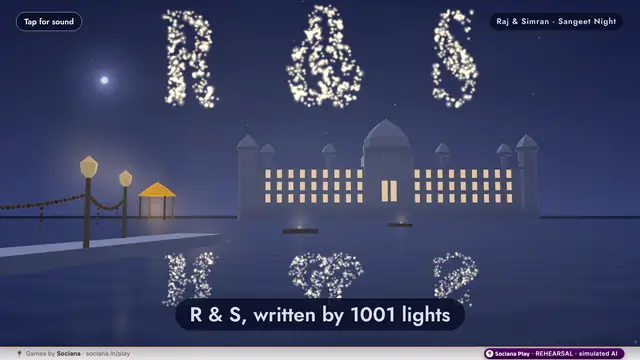
Phone Drone Show
Every guest’s phone launches a drone that writes your names in the sky. No hardware and no vendor.
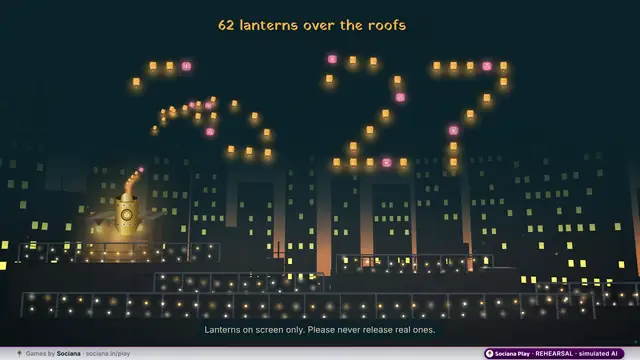
Lantern Sky
Every wish becomes a lantern over the rooftops. No real lanterns are released.
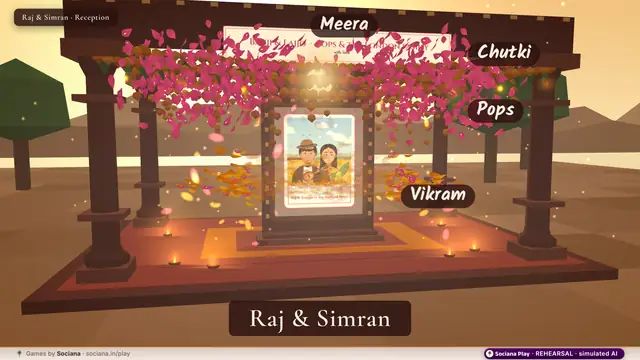
Phool Barsaat
Every blessing becomes a petal falling on the couple’s portrait.
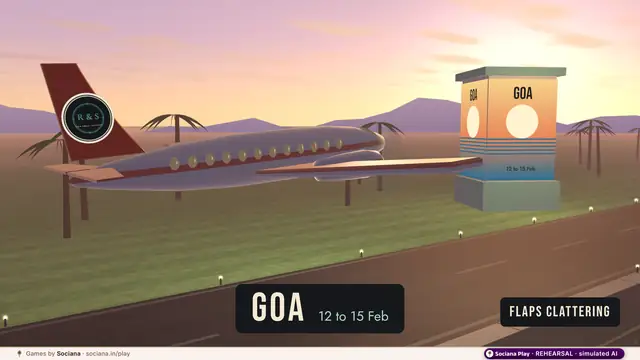
Destination Reveal
The board will tell us: a 1960s split-flap departures board lands, letter by letter, on the honeymoon, the offsite or the incentive trip.
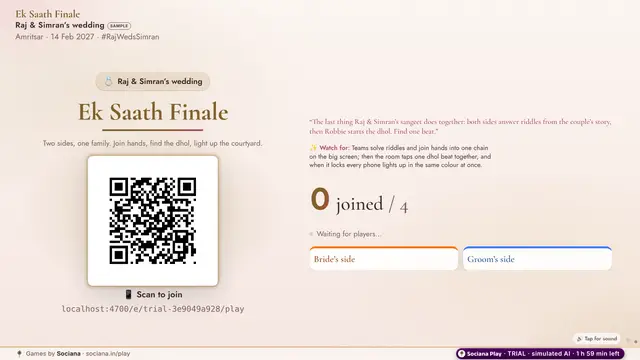
Ek Saath Finale
A five-minute closer for any show: teams join hands, the room finds one dhol beat and every phone lights up together.
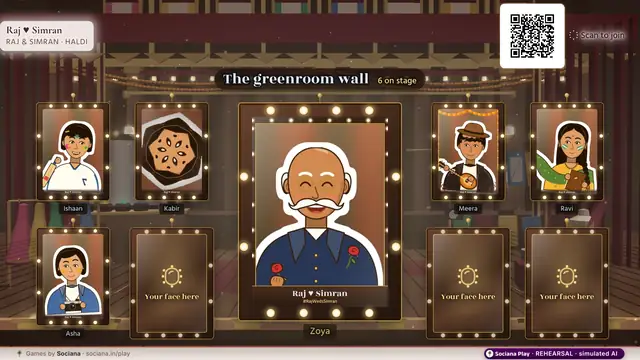
Event Face Frames
A greenroom mirror on every phone: frames, stickers and a kaleidoscope, with the best snaps on the big screen.
All 68 Sociana Play games · Game ideas by occasion · The Sociana platform
Sociana beyond the games: weddings
The event app and platform around the games, and customer events we have delivered. Labels say what is delivered, live or still being built.
- Delivered · Bengaluru · 18 Jul 2026BWF Meet Up 4.0An exhibition app where every stall became a lead desk and delegate networking stayed for paid attendees.
- In preparationTanvi & Rutwik wedding appA three-day wedding app that collects IDs and travel, explains every ritual and keeps both families playing for points.
- Event appThe Sociana app for weddingsThe event app around the games: guest lists, schedules, check-in and updates in one place.
- Partly liveRegistration & RSVPGuest lists, approvals, teams
- Partly liveWhatsApp entry & remindersPasses and nudges in the chat
Questions people ask
Can the surprise go off by accident?
No. It stays sealed until the press and cannot fire until the host has approved it with AV.
How many tables can play?
Up to 12 tables, 20 to 1,000 guests.
How long does Big Red Button take?
About 1–3 minutes per game. An offsite or annual day, a sangeet or reception reveal, a product announcement or a campus fest.
How many people can play Big Red Button?
20+ recommended, up to 5,000+ phones. Everyone plays on their own phone at the same time.
Do guests need to download an app?
No. Guests scan a QR code and play in the phone browser. The big screen is a web page on any laptop connected to the LED wall, projector or TV, and the host runs it from a console on a phone or laptop.
Can Big Red Button carry our names, photos and branding?
Yes. At a wedding it carries the couple’s names, photos, monogram and hashtag (never sponsors); at a company event your logo, colours, values and team names; at a booth your product and brand. We set it up with your content before the day.
Is the AI real in the free trial?
The trial runs on simulated AI so it is free and instant, and every trial screen says so. At your event the game runs on real AI with your own content. Trials last 2 hours, up to 12 an hour from one network.
How is Big Red Button priced for an event?
Per occasion, by the games chosen, the number of screens and the days on site. Send the date, city and rough guest count with the form on this page, and we reply with an itemised quote within one working day.
Shortlist sent
A person on our team will reply within one working day with setup notes and an itemised quote.
Meanwhile, start a free trial of any game and play it with friends.