
Sociana Play · Phone mirror + LED wall
Event Face Frames
A greenroom mirror on every phone: frames, stickers and a kaleidoscope, with the best snaps on the big screen.
Free 2-hour trial, no sign-up: you host on this device, friends play on their phones, the big screen runs in any browser. Simulated AI in the trial; real AI at your event.
The moment it is built for: Guests open a mirror on their phone and try festival frames, stickers and a kaleidoscope; the camera stays on the phone, and a snap reaches the big screen only after consent and the host’s approval.
At a glance
- Best for
- weddings, offsites, conferences, exhibitions, festivals and campus fests
- Group size
- 20+ recommended, up to 3,000 phones
- How the room plays
- Guests drop in when they like; it runs in the background all event
- Time
- Runs all through the event
- Energy
- Lively
- You need
- Guests’ phones in the browser (QR, no app), a big screen in any browser and a host console on a phone or laptop
- When it fits
- A haldi or mehendi, a sports day or offsite, a college fest or mela, or a brand stand with one hero frame. Not offered for wellness. A guest spends 2 to 5 minutes and it stays open all evening.
- Try it
- Free self-serve trial (2 hours, simulated AI)
How Event Face Frames plays
On their phones
Open the mirror after a game, try a team, haldi, Holi, festival or event frame, stickers or the kaleidoscope, then snap and keep it. To go on the big screen, agree on a consent sheet.
On the host console
Approves the snaps that go up, one by one or with Approve all. No other host time is needed.
On the big screen
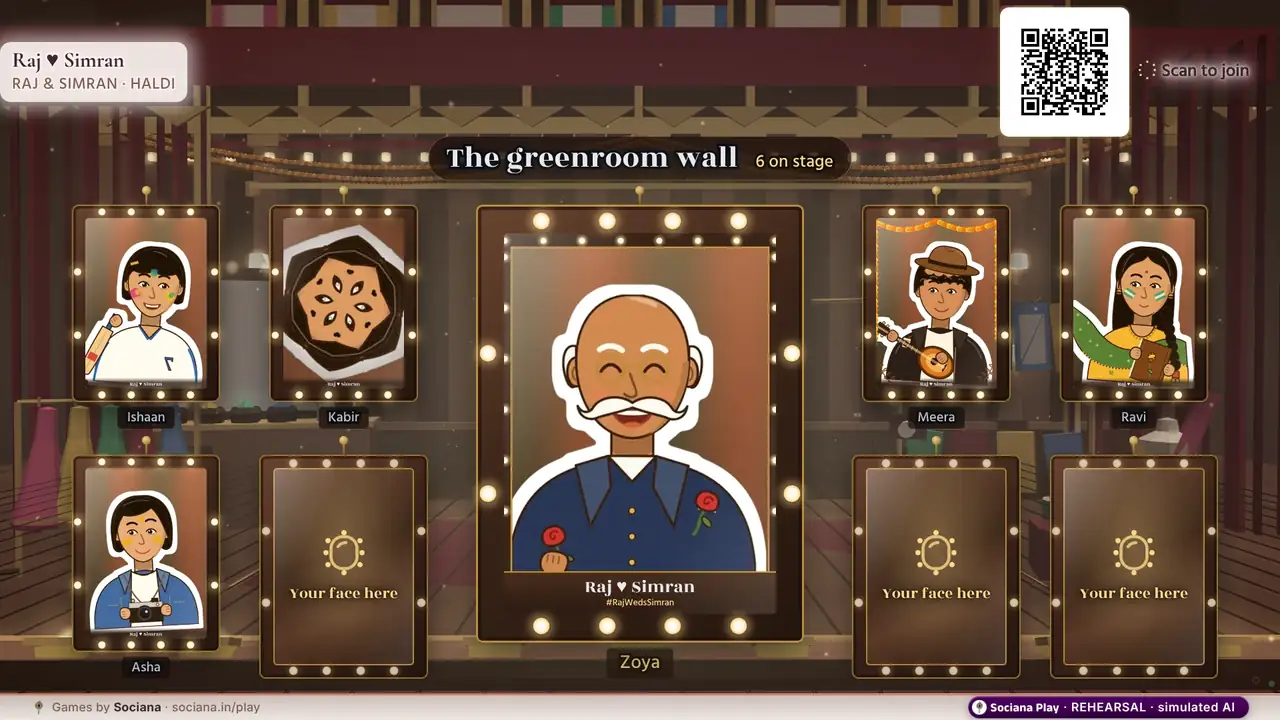
Approved snaps hanging in a bulb-ringed mirror on the wall, nine at a time and 12 to 14 at the curtain call.
How it ends: The wall holds the best snaps. Every snap is deleted when the wall is cleared.
The full description from the games team
After a game, or as a reward, guests open the greenroom mirror on their phone and try team, haldi and Holi frames, festival and event frames, stickers or a kaleidoscope, then snap and save. The camera stays on the phone (nothing is uploaded while they play). A guest who wants their snap on the big screen agrees on a consent sheet; the host approves it and it hangs in a bulb-ringed mirror on the LED wall of the greenroom. Anyone can take theirs down from their phone at any time, and every snap is deleted when the wall is cleared.
Ready-made versions by occasion
Each version comes with its own story, wording and look. Pick one to start a free trial with it already set up.
- Wedding
Haldi and mehendi face frames
Guests try haldi glow, a mehendi vine frame and team frames for both families, then send their best snap to a wall of bulb-ringed mirrors on the LED.
On the phones: “Try haldi glow, a mehendi frame and team frames on your phone; the best snaps hang on the big screen.”
- Offsite
Team frames for sports day
Department colours in a frame with the year’s theme, and the whole team on the big screen once the host approves.
On the phones: “Put your department colours on your cheek, snap, and send it to the team wall.”
- Conference
A conference frame for every delegate
A speaker-lanyard frame and an “I was there” border, and the best snaps in the mirrors on the hall’s LED.
On the phones: “Pick a delegate frame, snap, and send it to the hall wall once the host approves.”
- Exhibition
The brand’s own face frame
One hero frame with the campaign line; visitors snap at the stand and their approved snaps hang on the LED wall.
On the phones: “Snap yourself in the brand frame at the stand; approved snaps appear on the stand screen.”
- Festival
Cricket stripes and Holi colours
House-colour stripes, a Holi gulal splash and a Pujo alpona crown; the best snaps of the night hang on the mela’s LED wall.
On the phones: “Try house stripes, a Holi splash and an alpona crown; the best snaps of the night hang on the mela wall.”
- Campus fest
House colours on every face
Stripes in house colours, a Holi gulal splash and the college crest frame; the fest’s best snaps go up on the main-stage LED.
On the phones: “Pick your house-colour frame, snap, and send it to the main-stage wall.”
The story in the demo
Raj & Simran’s haldi. Chutki tries every look first; Sheena, camera round her neck, approves the snaps that go up in the bulb-ringed mirrors.
Raj, Simran, Bauji and the rest are an illustrated sample cast, not real people. At your event the same game carries your own names and photos.
Formats it runs
- Event Face Frames. A greenroom mirror on every phone: team, haldi and Holi frames, festival frames, stickers and a kaleidoscope, with the best snaps in bulb-ringed mirrors on the LED. (All evening · phones + LED)
- Haldi and Mehendi Face Frames. Haldi glow, a mehendi vine frame and Holi gulal for the whole family, with a grown-up tick before any snap goes to the big screen. (All evening · phones + LED)
How to run Event Face Frames at your event
- Pick the version. Choose the wedding version or another occasion’s, then add your names, photos, questions and colours.
- Put up the big screen. Open the big-screen link in any browser on the laptop connected to the LED wall, projector or TV.
- Guests join. Guests scan the QR code on the screen or on table cards and play in the phone browser. No app, no sign-up.
- Run it from the console. Approves the snaps that go up, one by one or with Approve all. No other host time is needed.
- The finish. The wall holds the best snaps. Every snap is deleted when the wall is cleared.
Trying it now? Open the mirror on a phone, try a look, snap, send it and agree on the sheet; then tap Approve all on the host console and watch the snap hang in a bulb-ringed mirror on the big screen.
Recommended in
Picked for your
Based on the games you looked at and tried on this site, remembered only in this browser.
Pair it with
Keepsake Booth
A booth that makes a keepsake in a minute: an AI portrait from a selfie, an illustrated postcard, or a dream décor design.
AI Antakshari
The family song-chain classic, refereed by AI: teams sing a song that starts with the last letter, and the AI checks the letter and every repeat.
Guess the Baby Photo
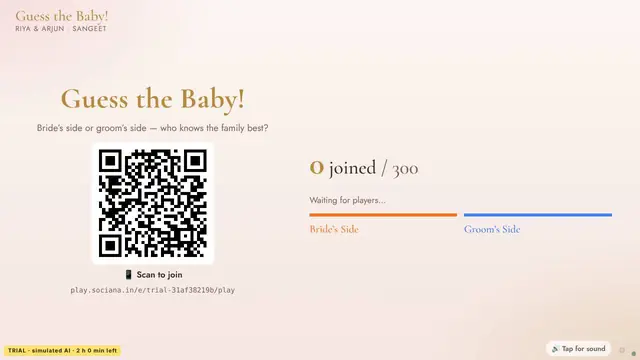
A childhood photo on the big screen, four names on every phone: who was this little one?
Big Red Button
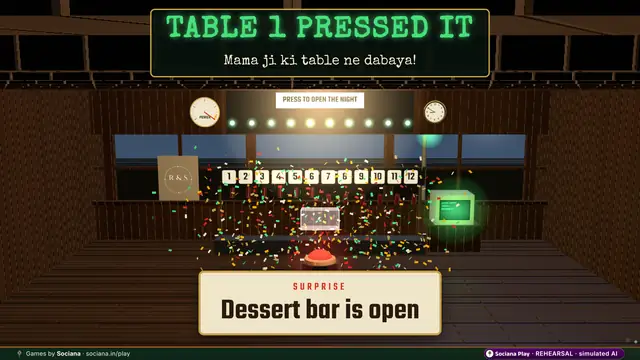
One button, the whole room, a surprise nobody saw coming.
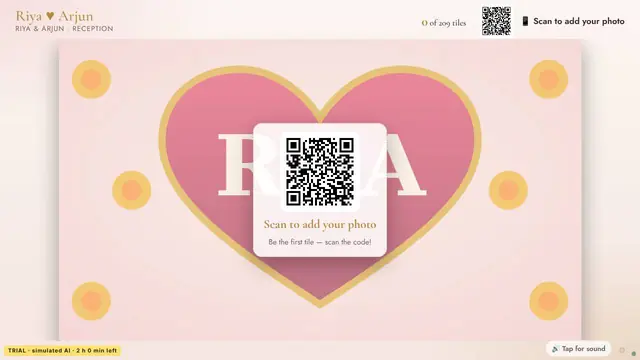
Photo Mosaic
Every guest’s photo becomes one tile of a giant picture that builds up live on the big screen.
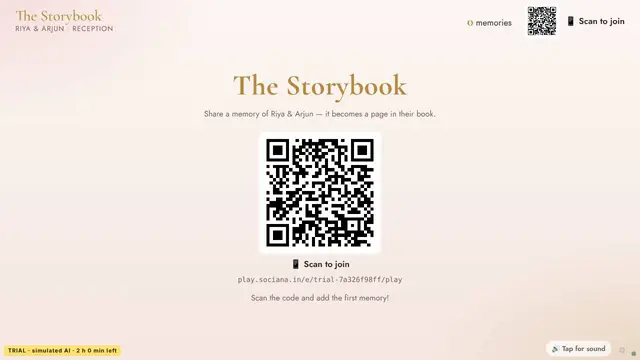
Story Chain
Hundreds of guests write one illustrated book together, a line or a memory each.
All 68 Sociana Play games · Game ideas by occasion · The Sociana platform
Sociana beyond the games: weddings
The event app and platform around the games, and customer events we have delivered. Labels say what is delivered, live or still being built.
- Delivered · Bengaluru · 18 Jul 2026BWF Meet Up 4.0An exhibition app where every stall became a lead desk and delegate networking stayed for paid attendees.
- In preparationTanvi & Rutwik wedding appA three-day wedding app that collects IDs and travel, explains every ritual and keeps both families playing for points.
- Event appThe Sociana app for weddingsThe event app around the games: guest lists, schedules, check-in and updates in one place.
- Partly liveRegistration & RSVPGuest lists, approvals, teams
- Partly liveWhatsApp entry & remindersPasses and nudges in the chat
Questions people ask
Where does the camera stay?
On the phone. Nothing is uploaded while a guest plays.
Is anything saved?
Nothing is saved unless the guest chooses. A guest who wants a snap on the big screen agrees on a consent sheet, can take it down from their phone at any time, and every snap is deleted when the wall is cleared.
How long does Event Face Frames take?
Runs all through the event. A haldi or mehendi, a sports day or offsite, a college fest or mela, or a brand stand with one hero frame. Not offered for wellness. A guest spends 2 to 5 minutes and it stays open all evening.
How many people can play Event Face Frames?
20+ recommended, up to 3,000 phones. Guests drop in when they like; it runs in the background all event.
Do guests need to download an app?
No. Guests scan a QR code and play in the phone browser. The big screen is a web page on any laptop connected to the LED wall, projector or TV, and the host runs it from a console on a phone or laptop.
Can Event Face Frames carry our names, photos and branding?
Yes. At a wedding it carries the couple’s names, photos, monogram and hashtag (never sponsors); at a company event your logo, colours, values and team names; at a booth your product and brand. We set it up with your content before the day.
Is the AI real in the free trial?
The trial runs on simulated AI so it is free and instant, and every trial screen says so. At your event the game runs on real AI with your own content. Trials last 2 hours, up to 12 an hour from one network.
How is Event Face Frames priced for an event?
Per occasion, by the games chosen, the number of screens and the days on site. Send the date, city and rough guest count with the form on this page, and we reply with an itemised quote within one working day.
Shortlist sent
A person on our team will reply within one working day with setup notes and an itemised quote.
Meanwhile, start a free trial of any game and play it with friends.